
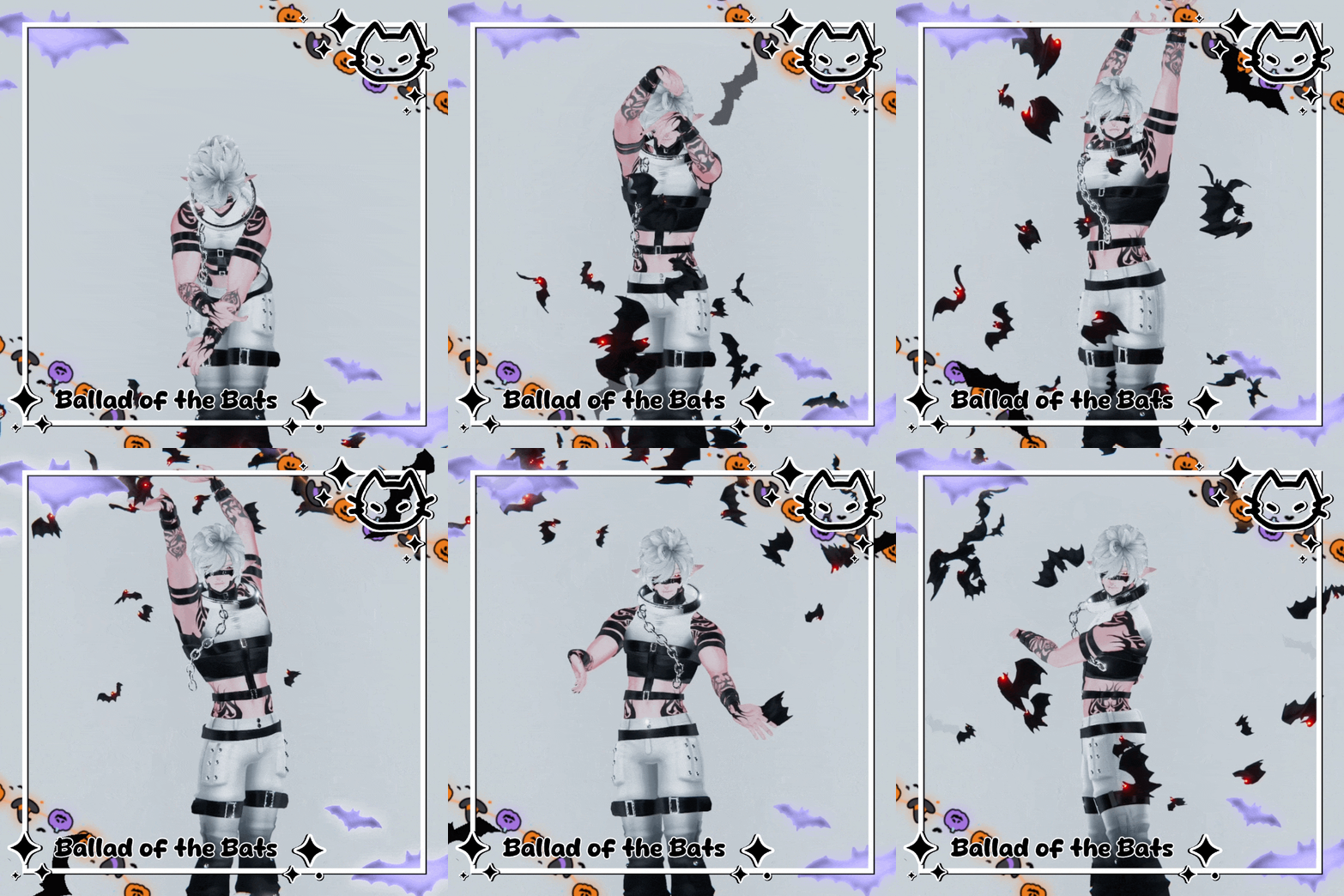
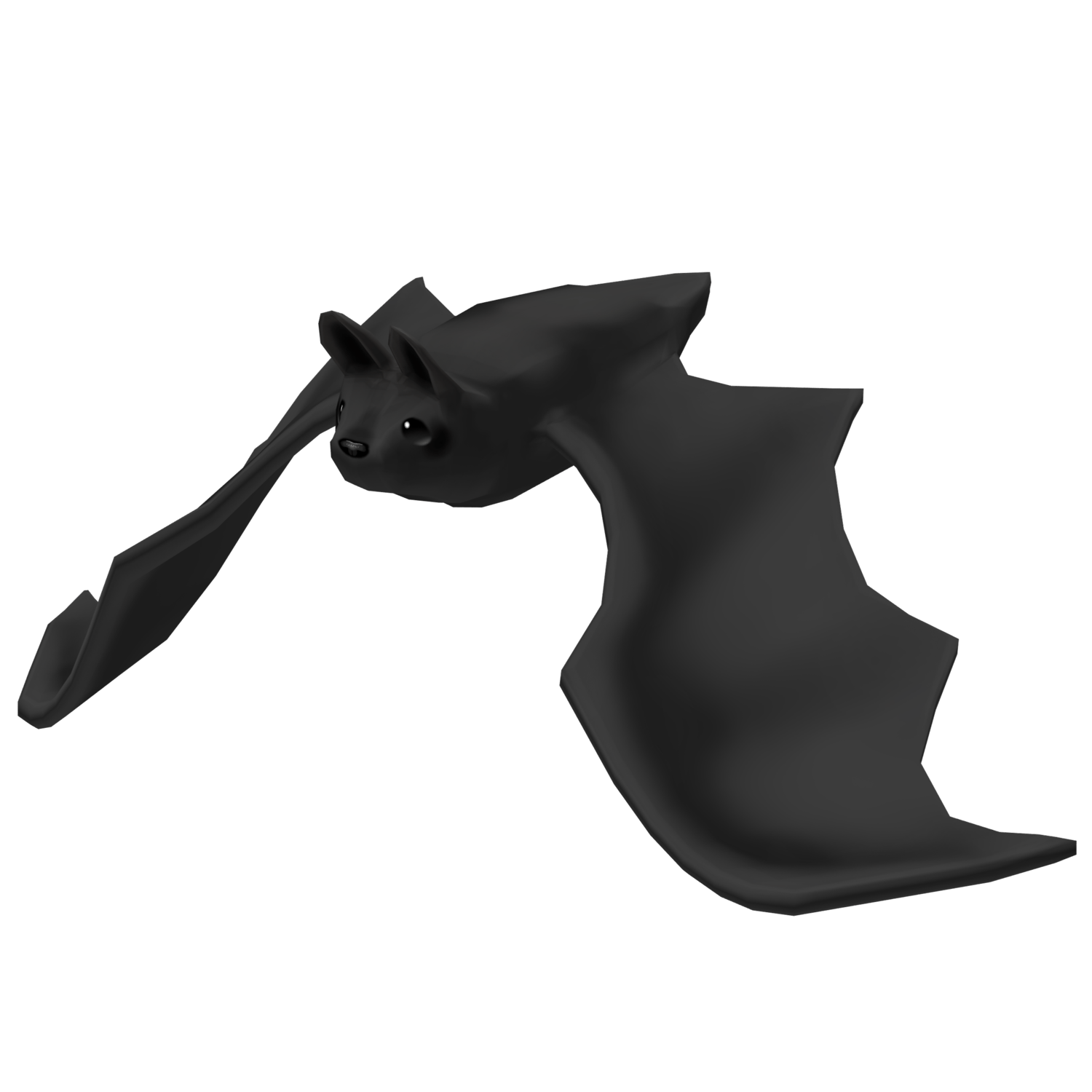
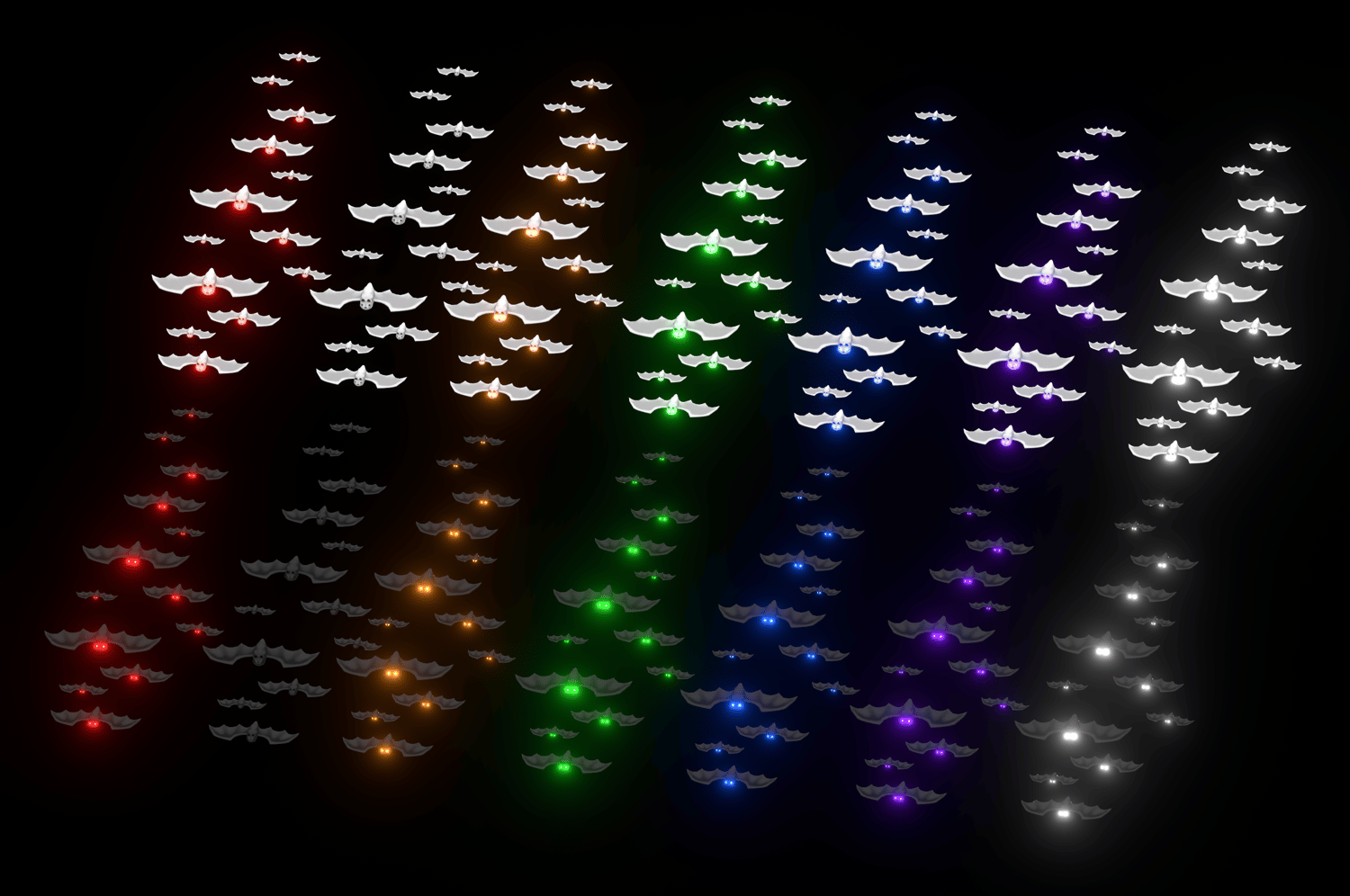
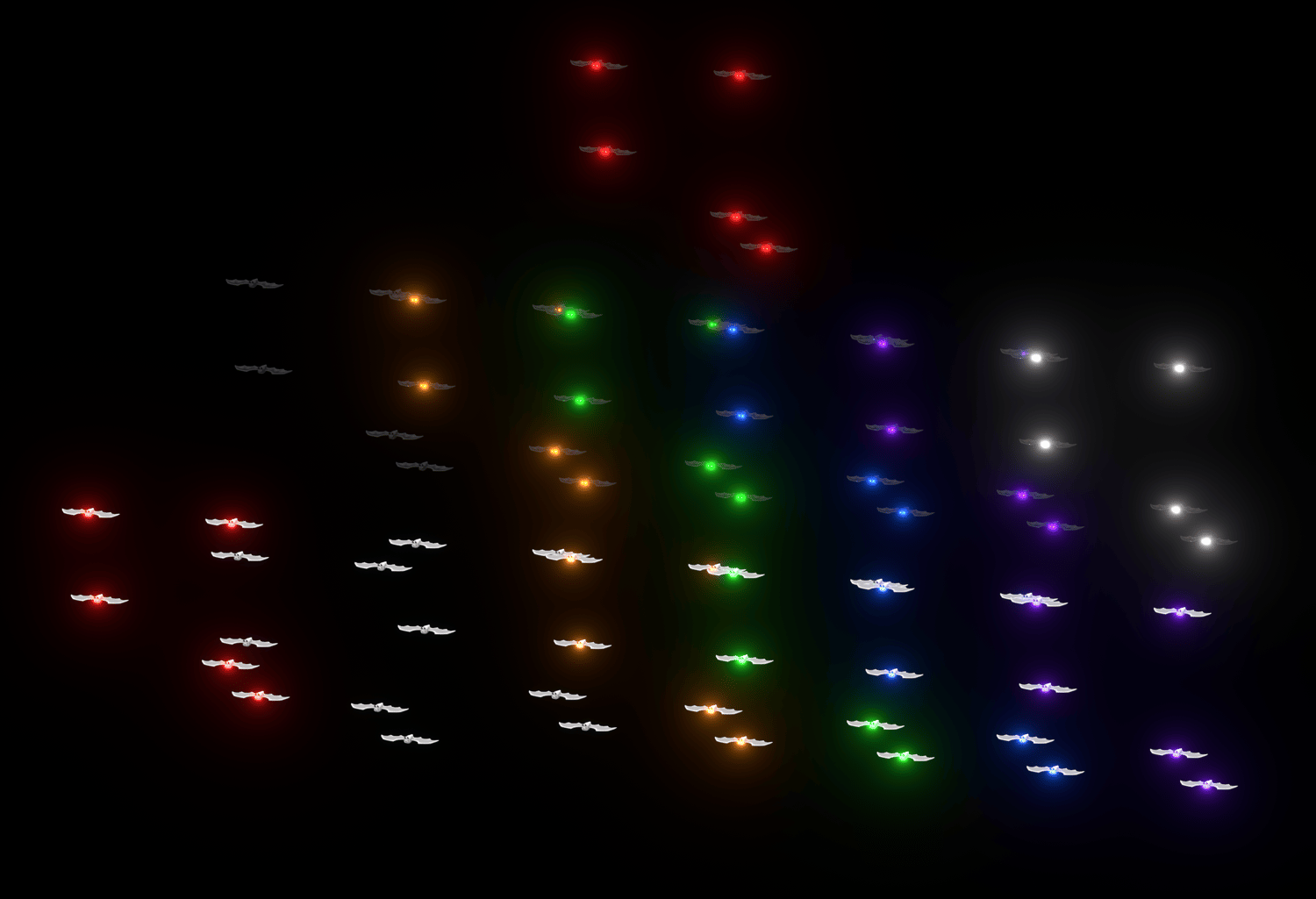
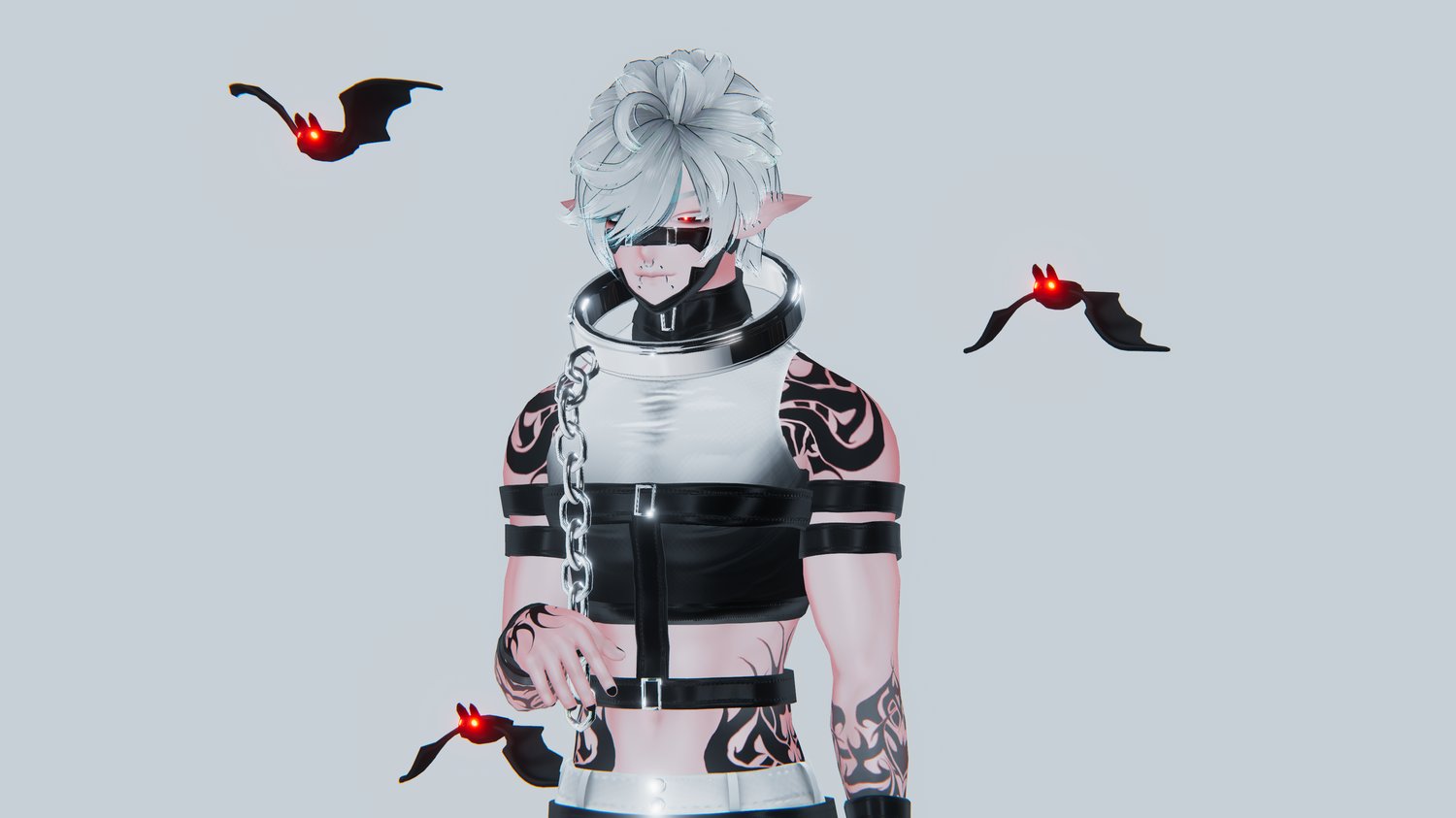
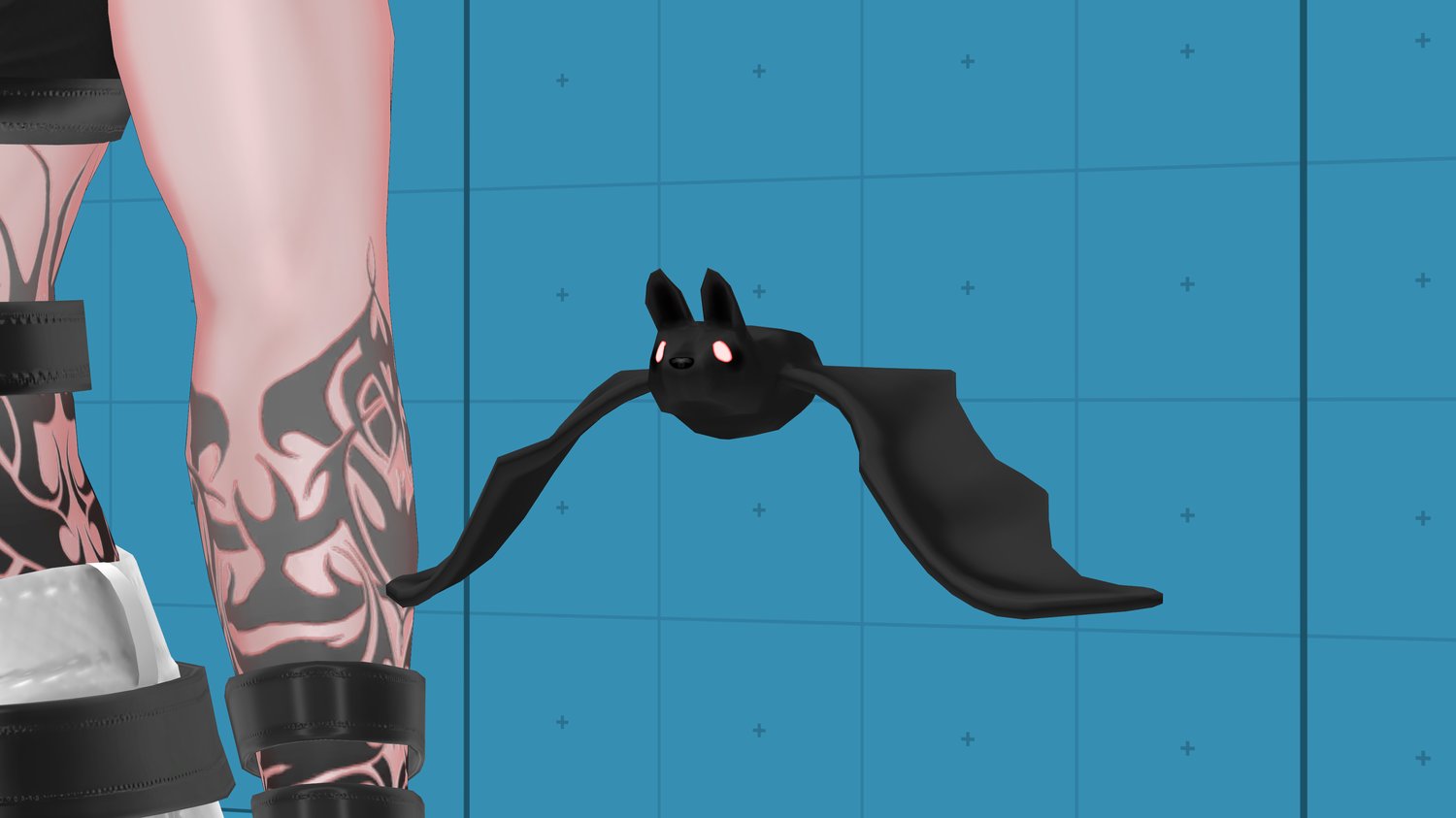
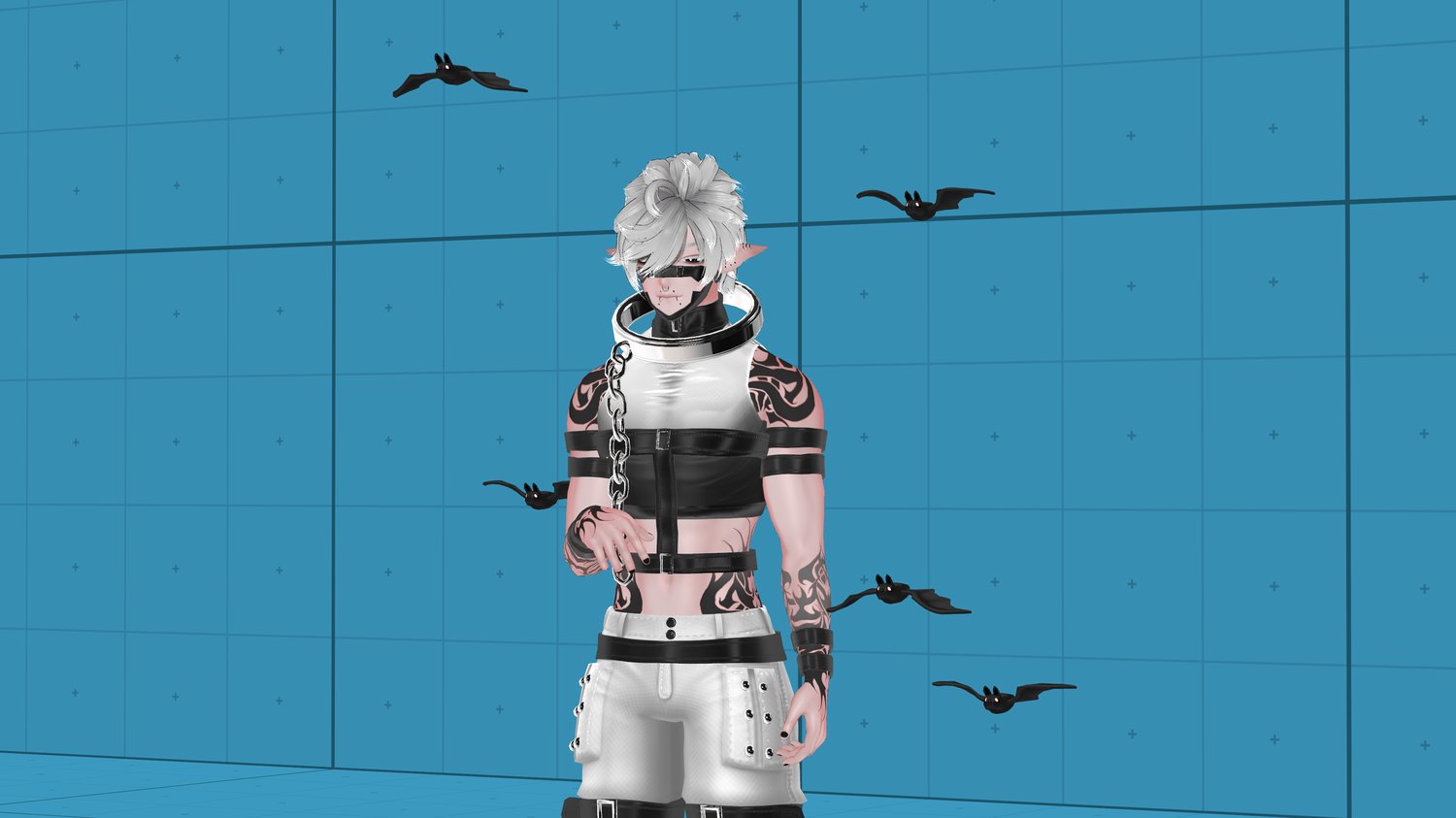
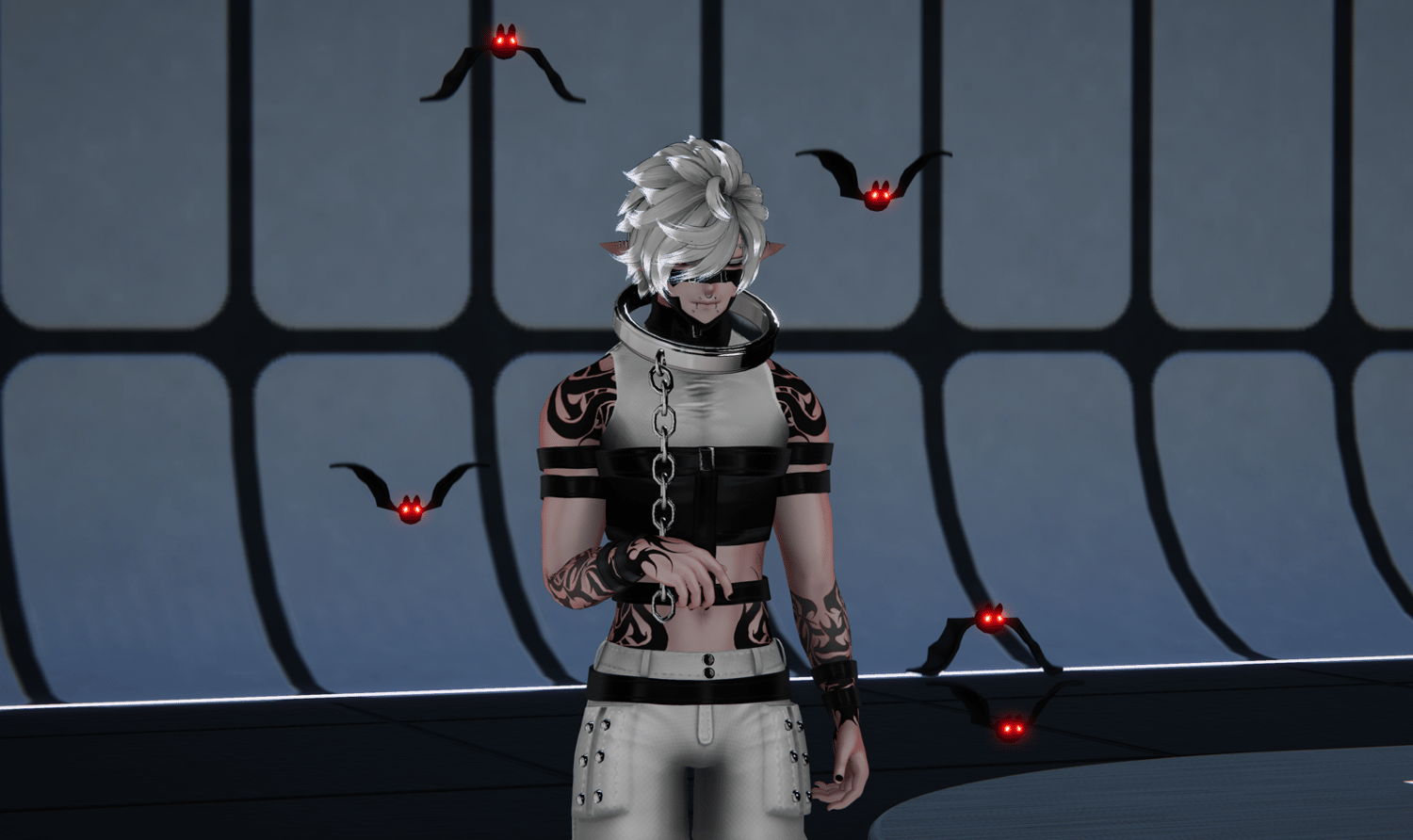
🦇 BALLAD OF THE BATS 🦇 Bat flow ribbon / Bat Aura 🦇 Halloween Flow toy
┈┈┈┈・⊱ ✦ ⊰・┈┈┈┈

ɪɴ ᴛʜᴀᴛ ᴅᴀʏ ᴀ ᴍᴀɴ ᴡɪʟʟ ᴄᴀꜱᴛ ᴀᴡᴀʏ ʜɪꜱ ɪᴅᴏʟꜱ ᴏꜰ ꜱɪʟᴠᴇʀ ᴀɴᴅ ʜɪꜱ ɪᴅᴏʟꜱ ᴏꜰ ɢᴏʟᴅ
ᴛᴏ ᴛʜᴇ ᴍᴏʟᴇꜱ ᴀɴᴅ
ᴛʜᴇ ʙᴀᴛꜱ.
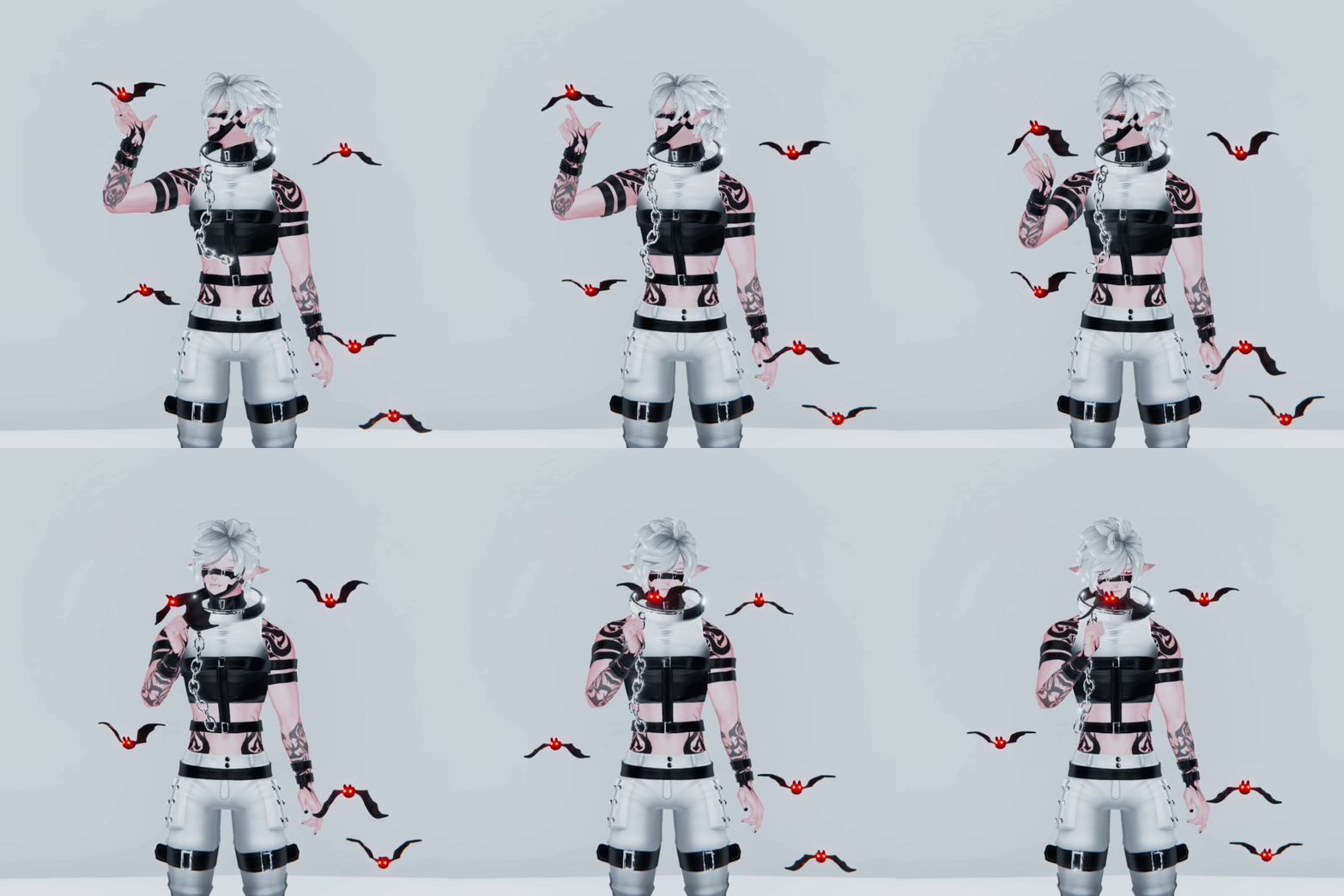
🦇 FLOW TOY 🦇
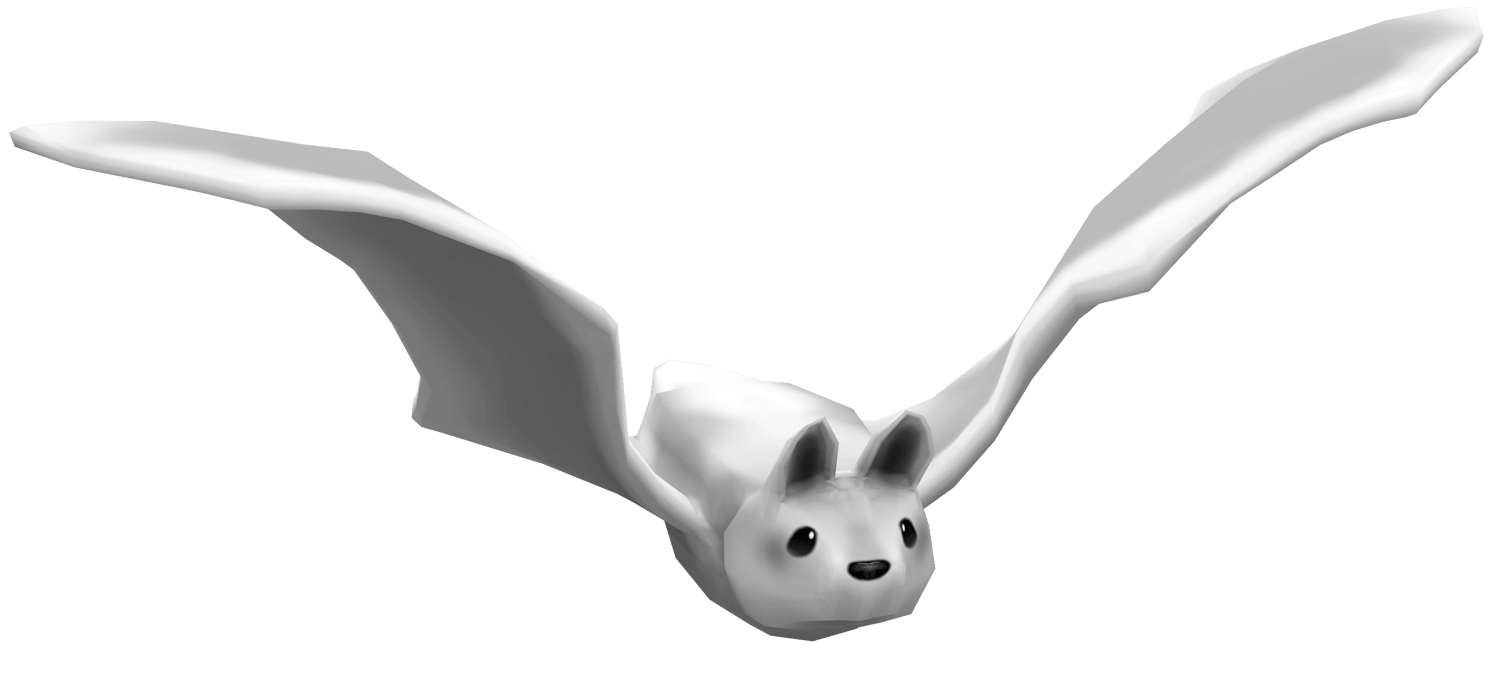
Did you know a cluster of flying bats is sometimes called a cauldron? 🧙♀️
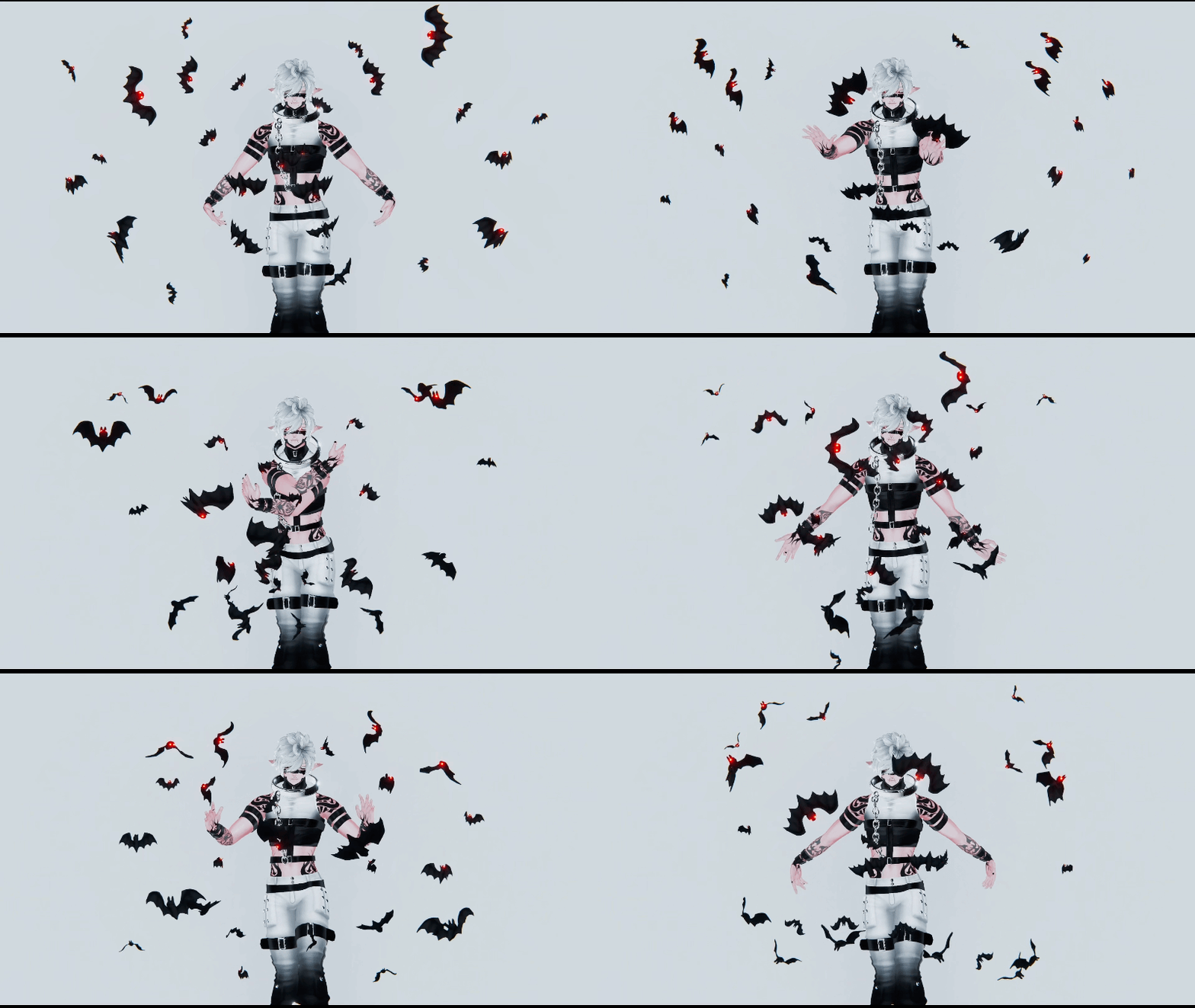
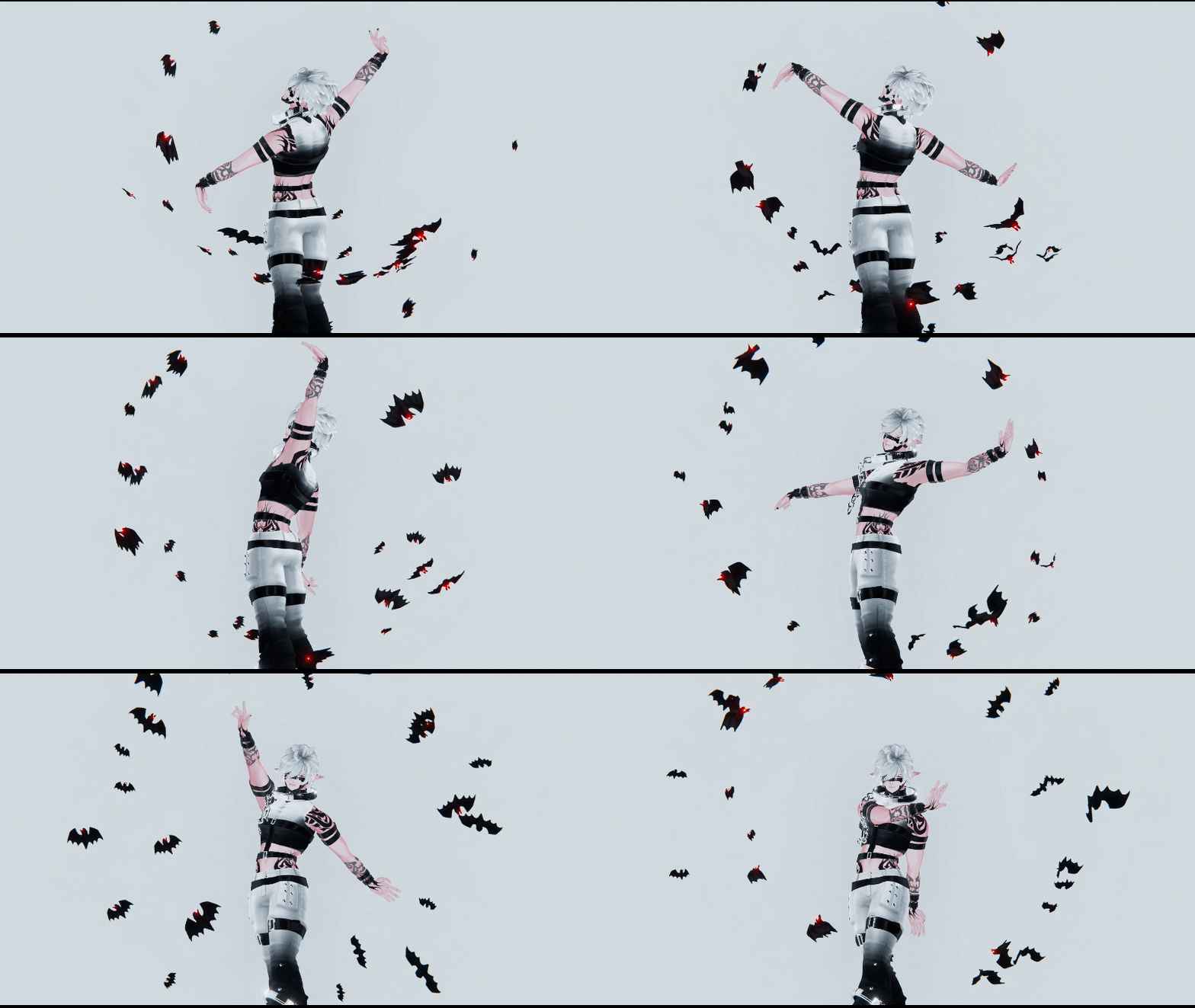
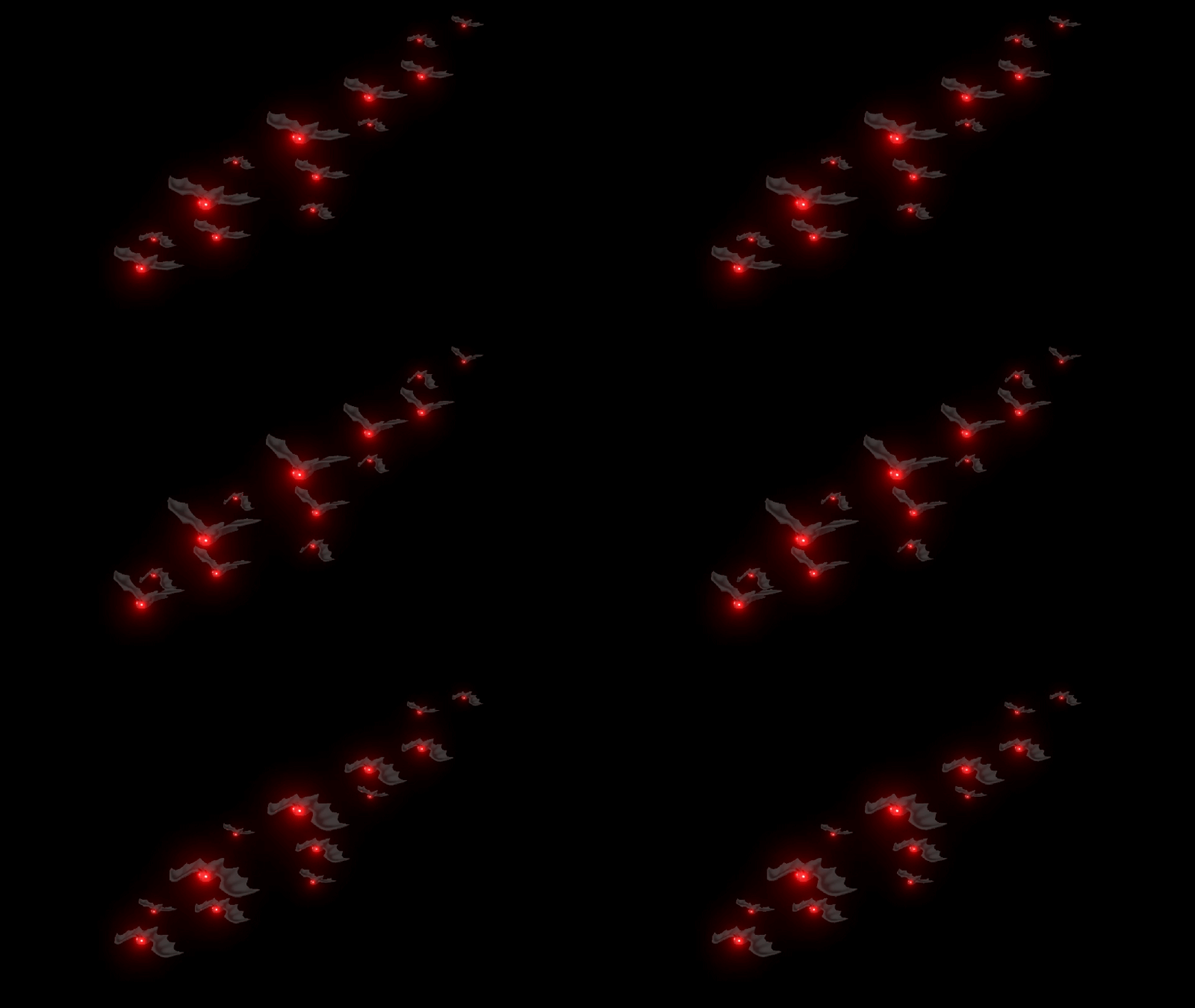
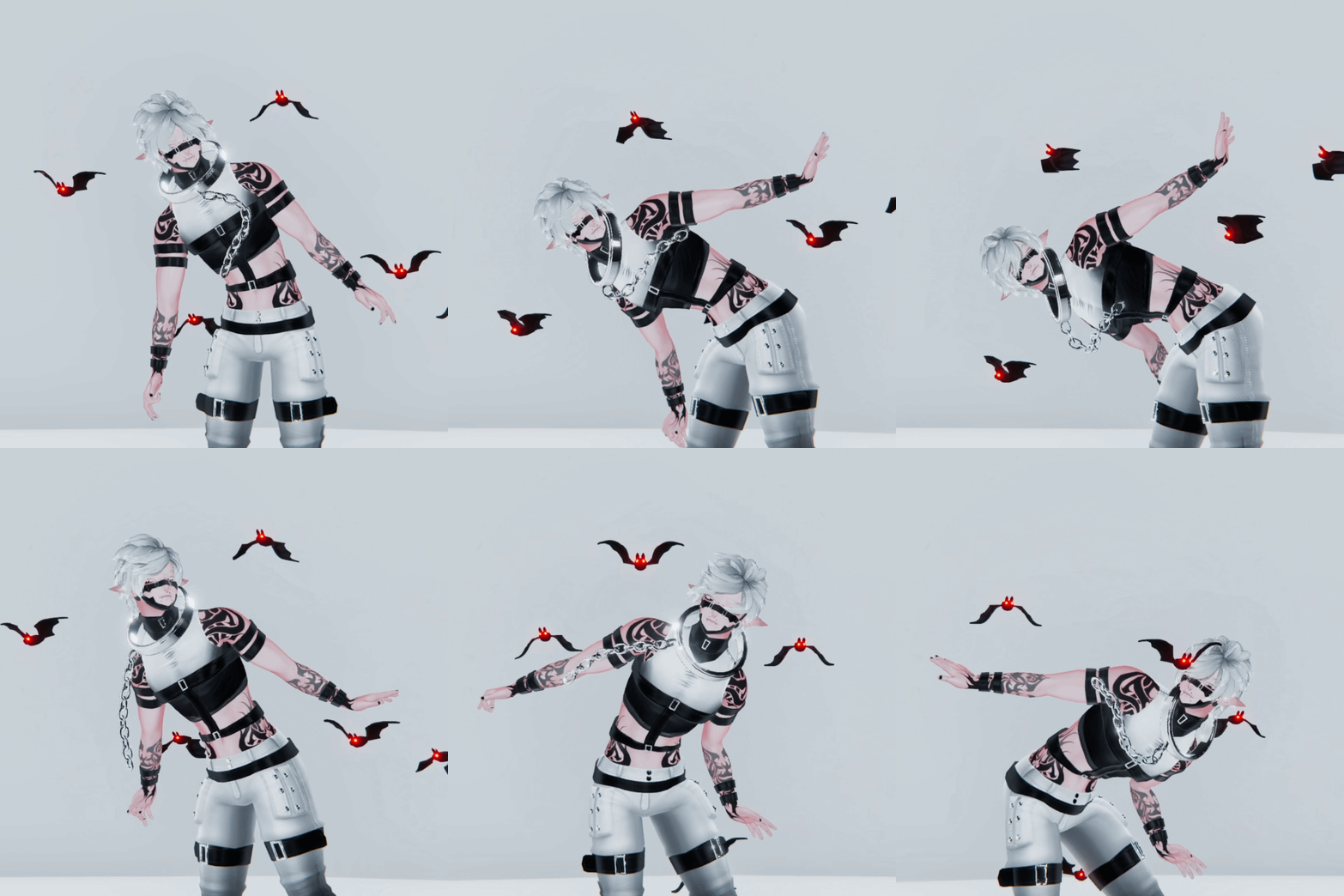
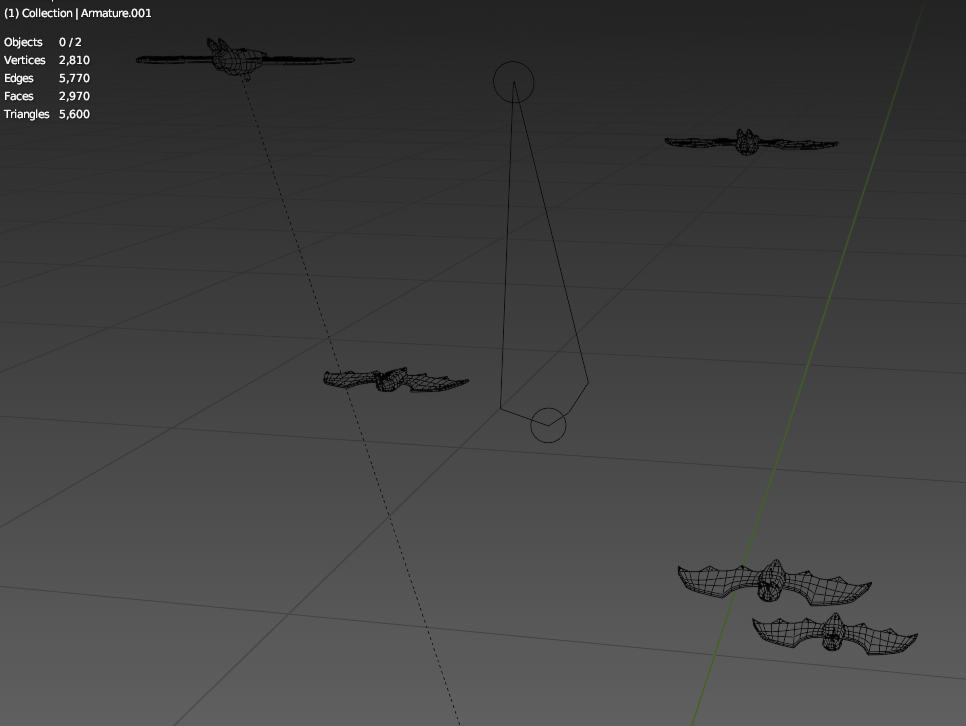
🦇 BAT AURA 🦇
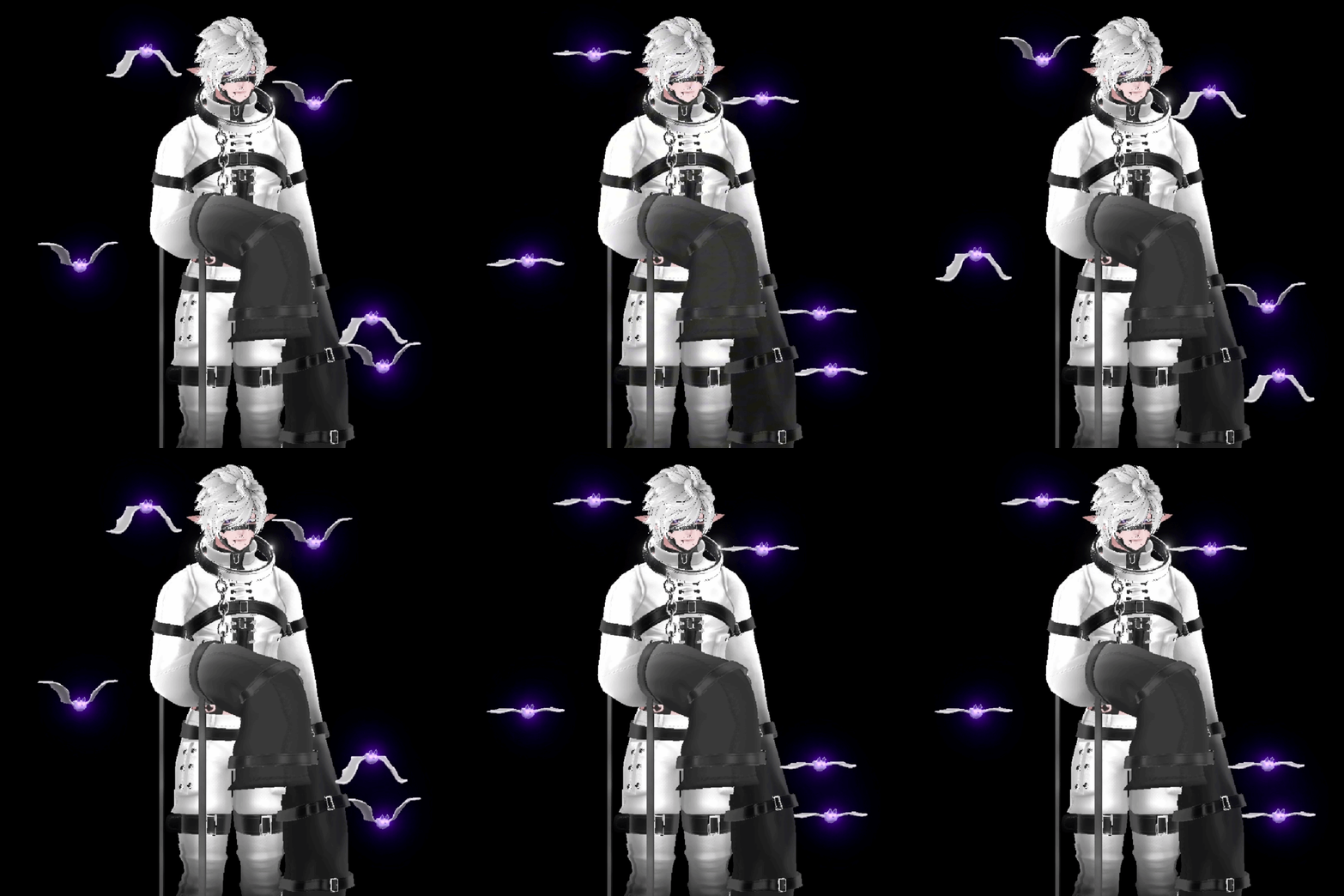
Grabbable
┈┈┈┈・⊱ ✦ ⊰・┈┈┈┈
┈┈┈┈・⊱ ✦ ⊰・┈┈┈┈
· · ────── ꒰ঌ·✦ Ease of install: Beginner, but you'll as always need to do your own toggle
· · ────── ꒰ঌ·✦ Ease of Quest Conversion: Difficult / Impossible [High bone count]
· · ────── ꒰ঌ·✦ Needed software: Unity
Add flow:
- For hand flow, drag prefab into scene and position it where you want. Then, expand your avatar's armature and drag it from where it is on the hierarchy onto the closest wrist bone.
Add bat aura:
- Drag prefab into scene and position it where you want. Then, expand your avatar's armature and drag it from where it is on the hierarchy onto EITHER the chest bone or the avatar itself. On the avatar itself, it would be a locally constrained prop in your play space, but for chest they'll follow your chest.
ঌ·✦· To animate an item with an animator component already on it, you'll have to make a copy, remove the animators on the copy, and then animate. Like how you'd hue shift a follower.
┈┈┈┈・⊱ ✦ ⊰・┈┈┈┈
┈┈┈┈・⊱ ✦ ⊰・┈┈┈┈

┈┈┈┈・⊱ ✦ ⊰・┈┈┈┈
┈┈┈┈・⊱ ✦ ⊰・┈┈┈┈

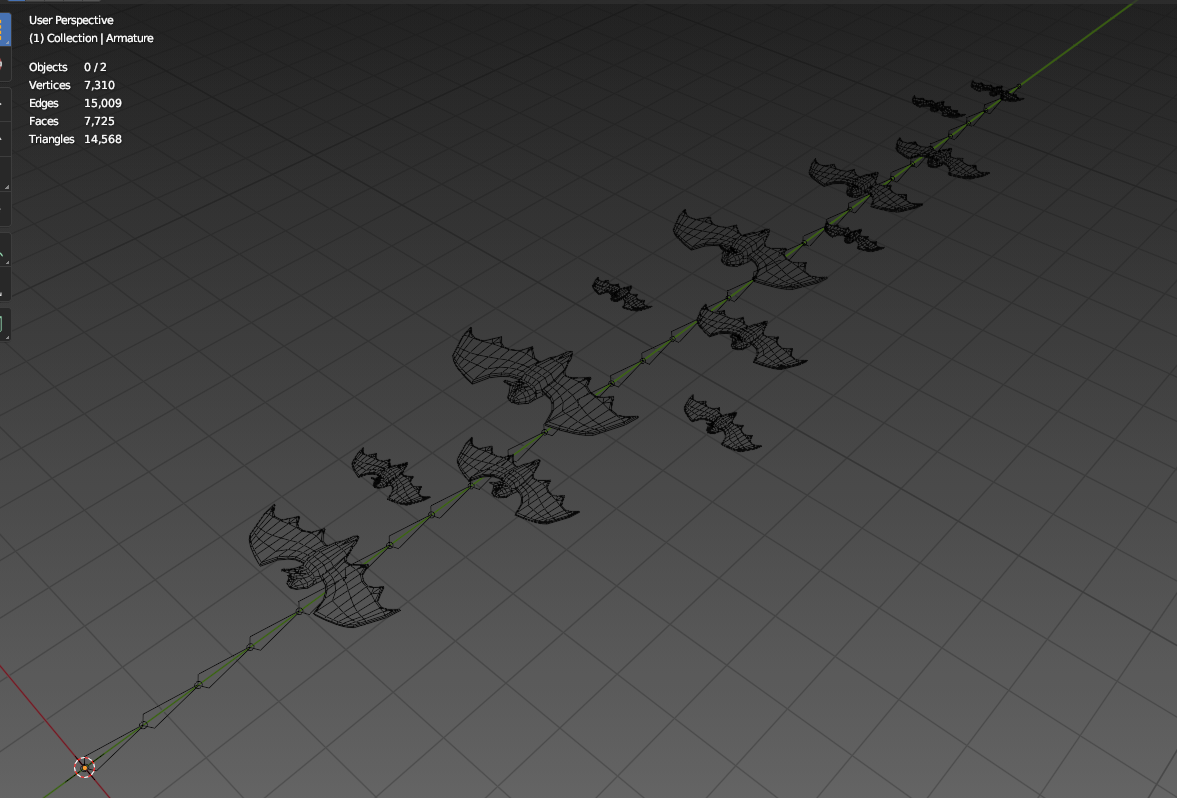
🦇 Flow: 15k poly, 30 bones, 1 material slot, 1 animator component
🦇 Aura: 6k poly, 11 bones, 1 material slot, 1 animator component
┈┈┈┈・⊱ ✦ ⊰・┈┈┈┈
┈┈┈┈・⊱ ✦ ⊰・┈┈┈┈


┈┈┈┈・⊱ ✦ ⊰・┈┈┈┈