
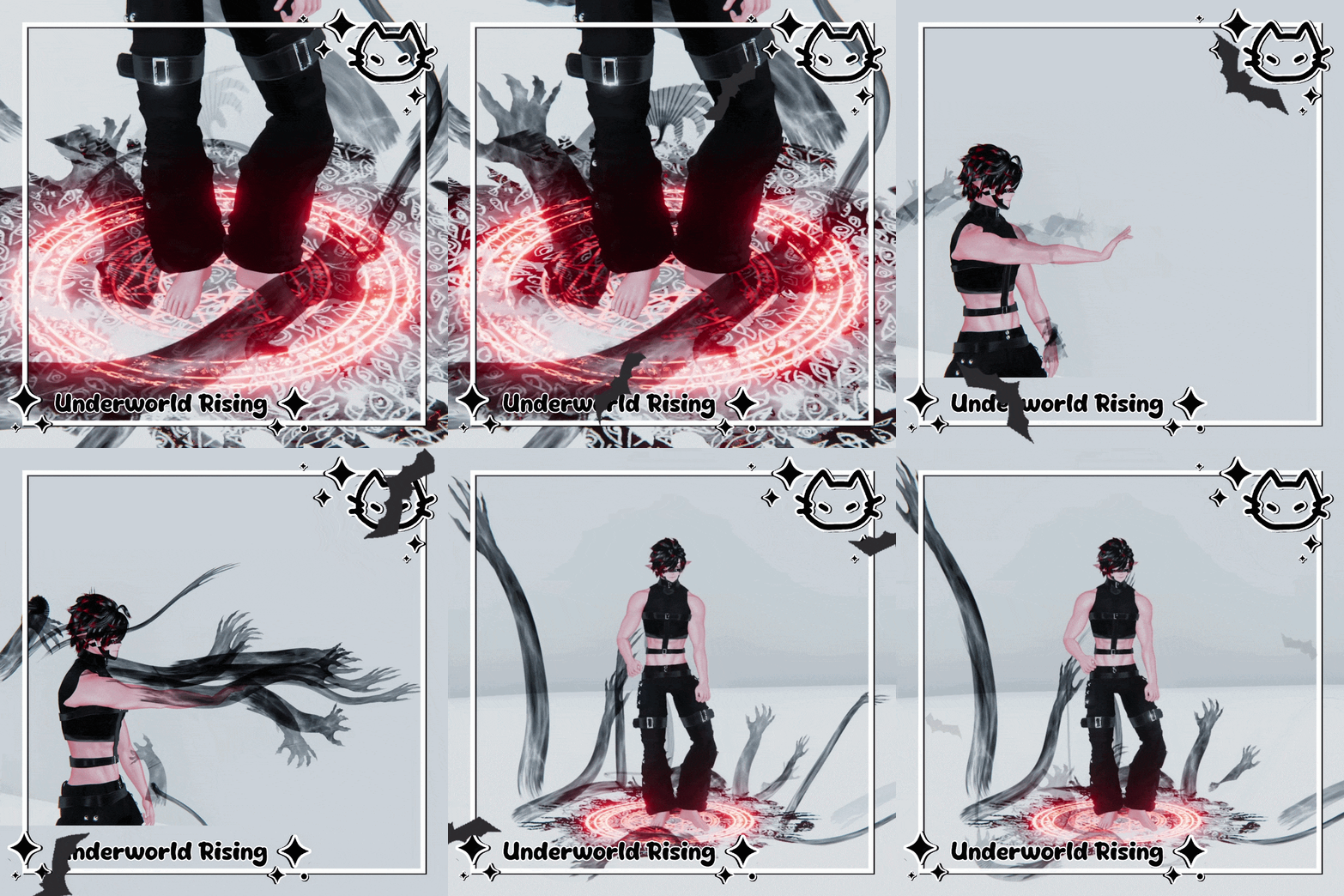
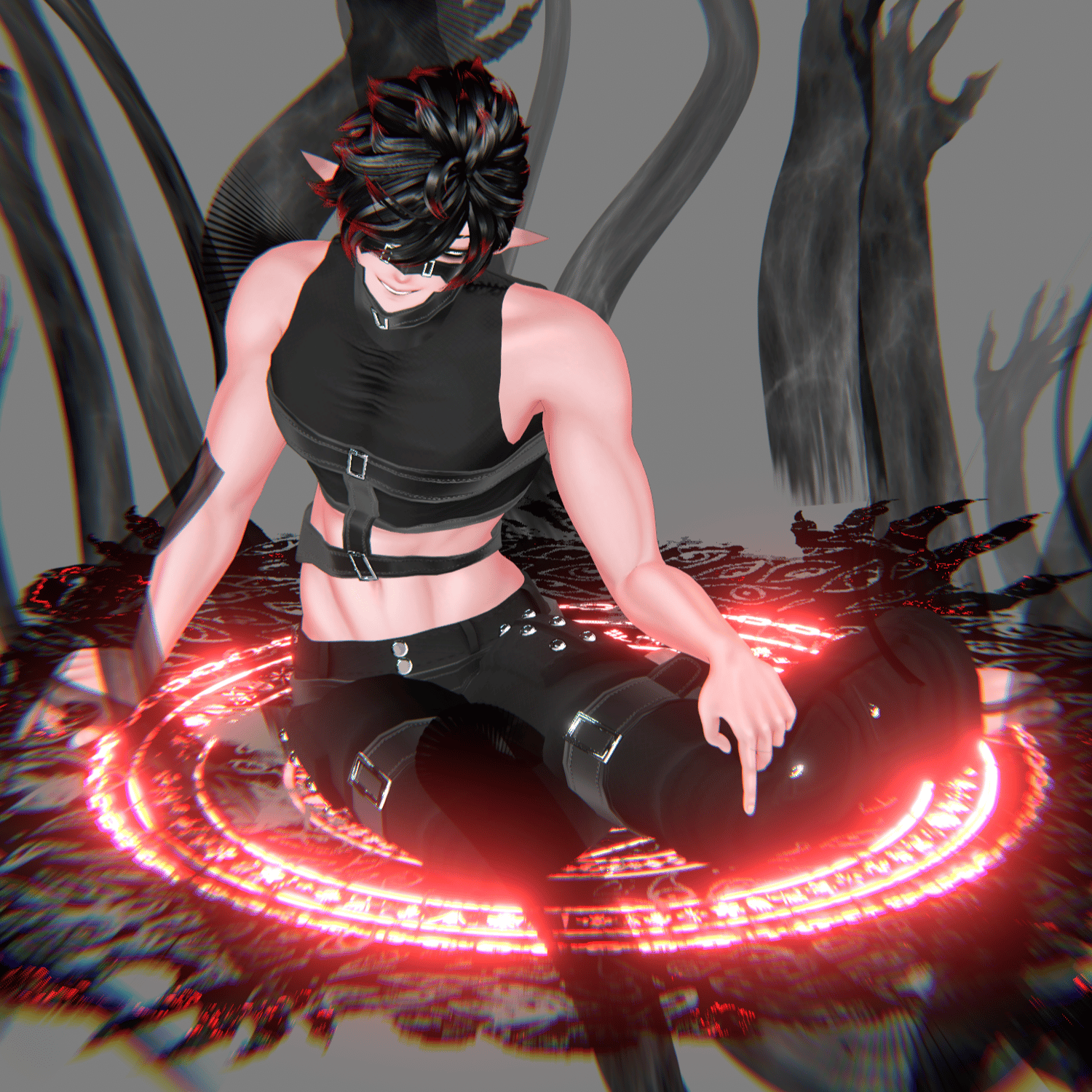
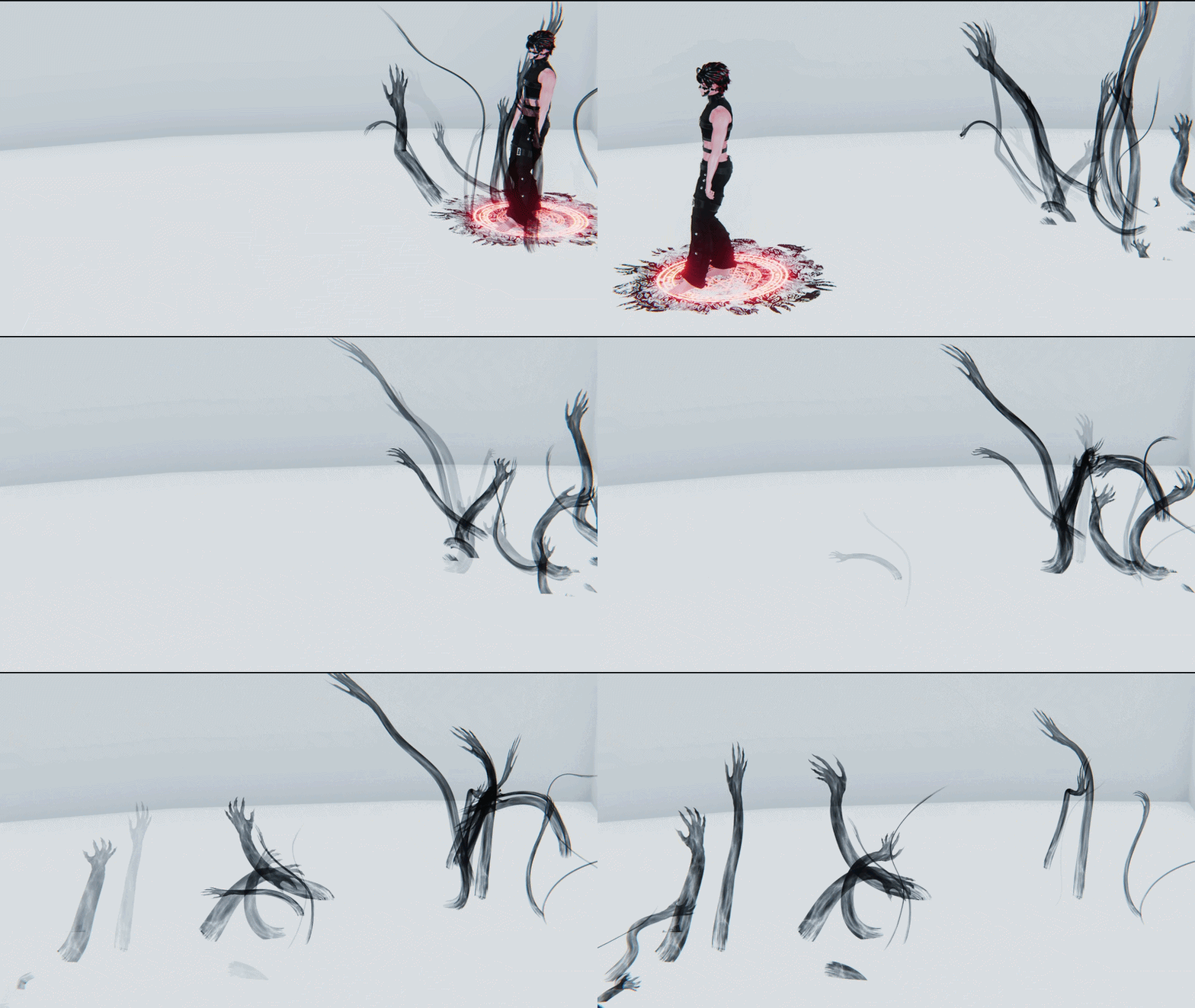
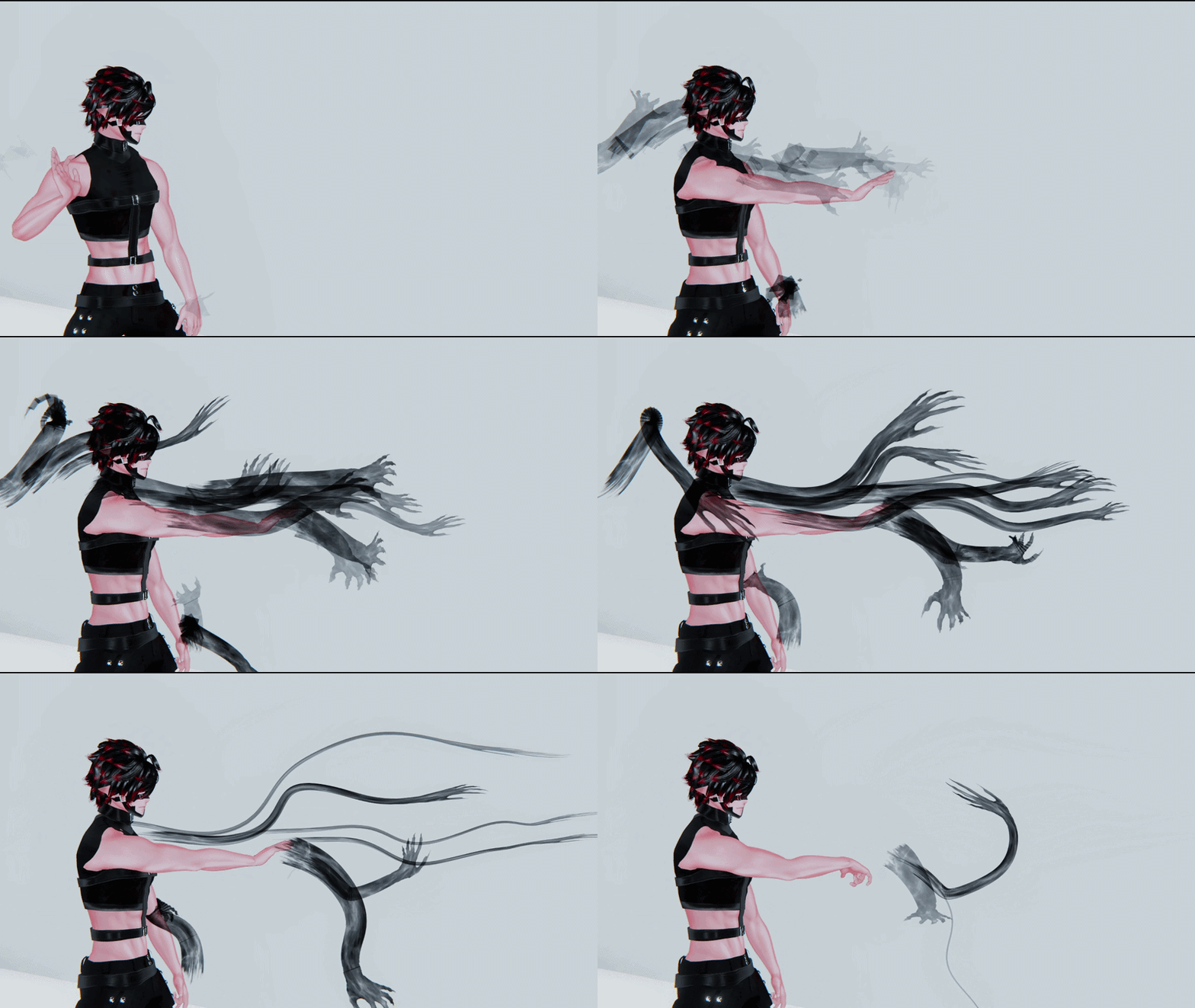
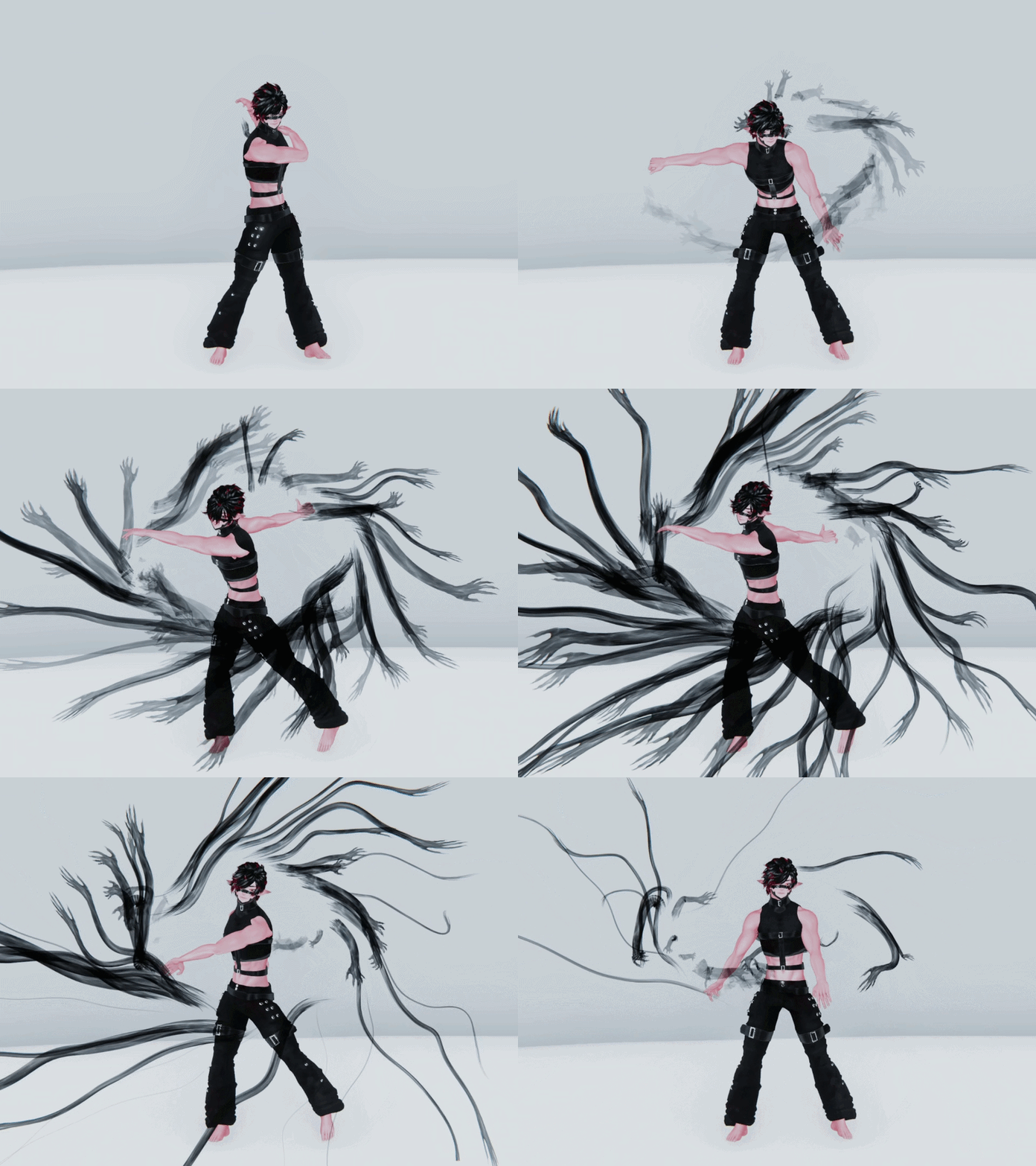
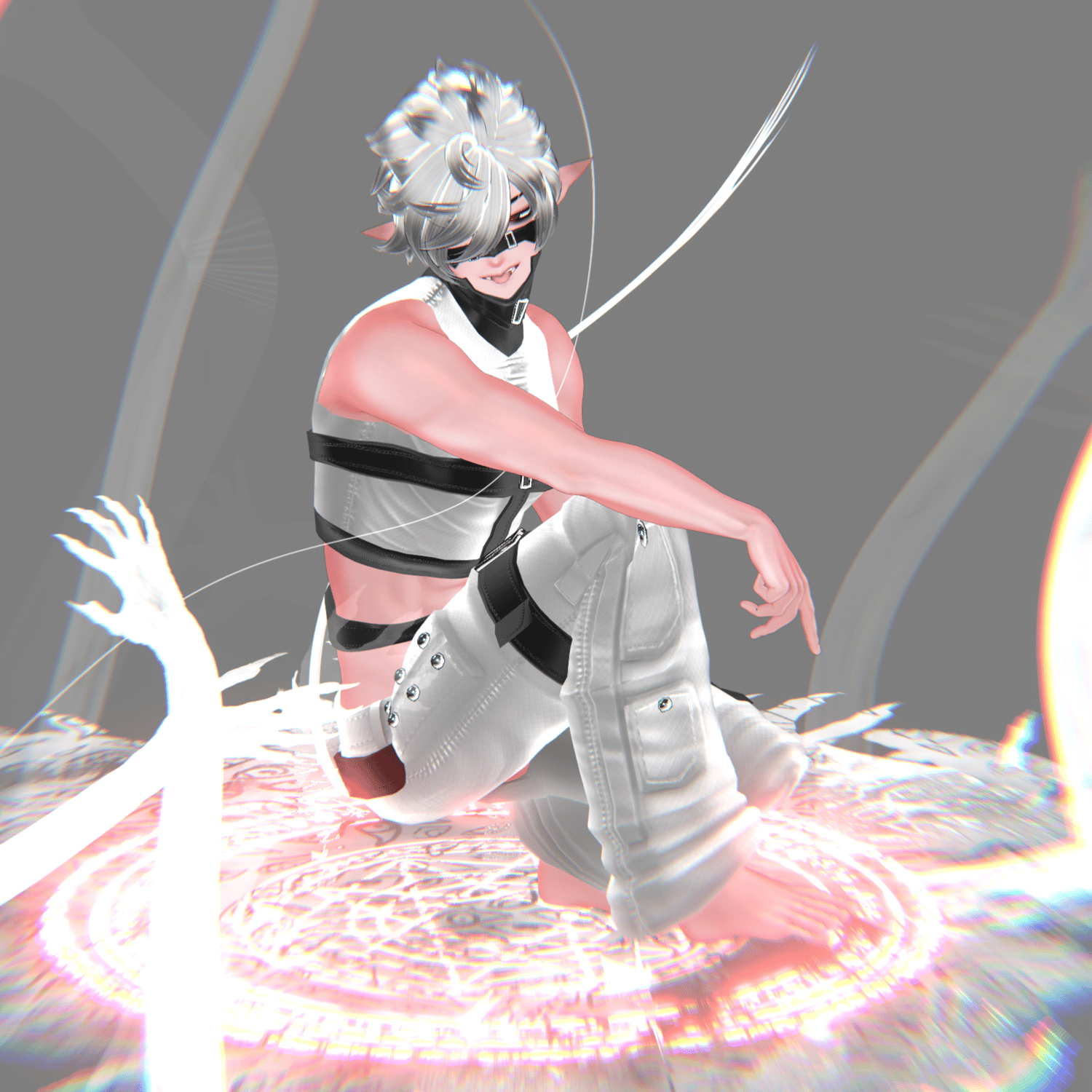
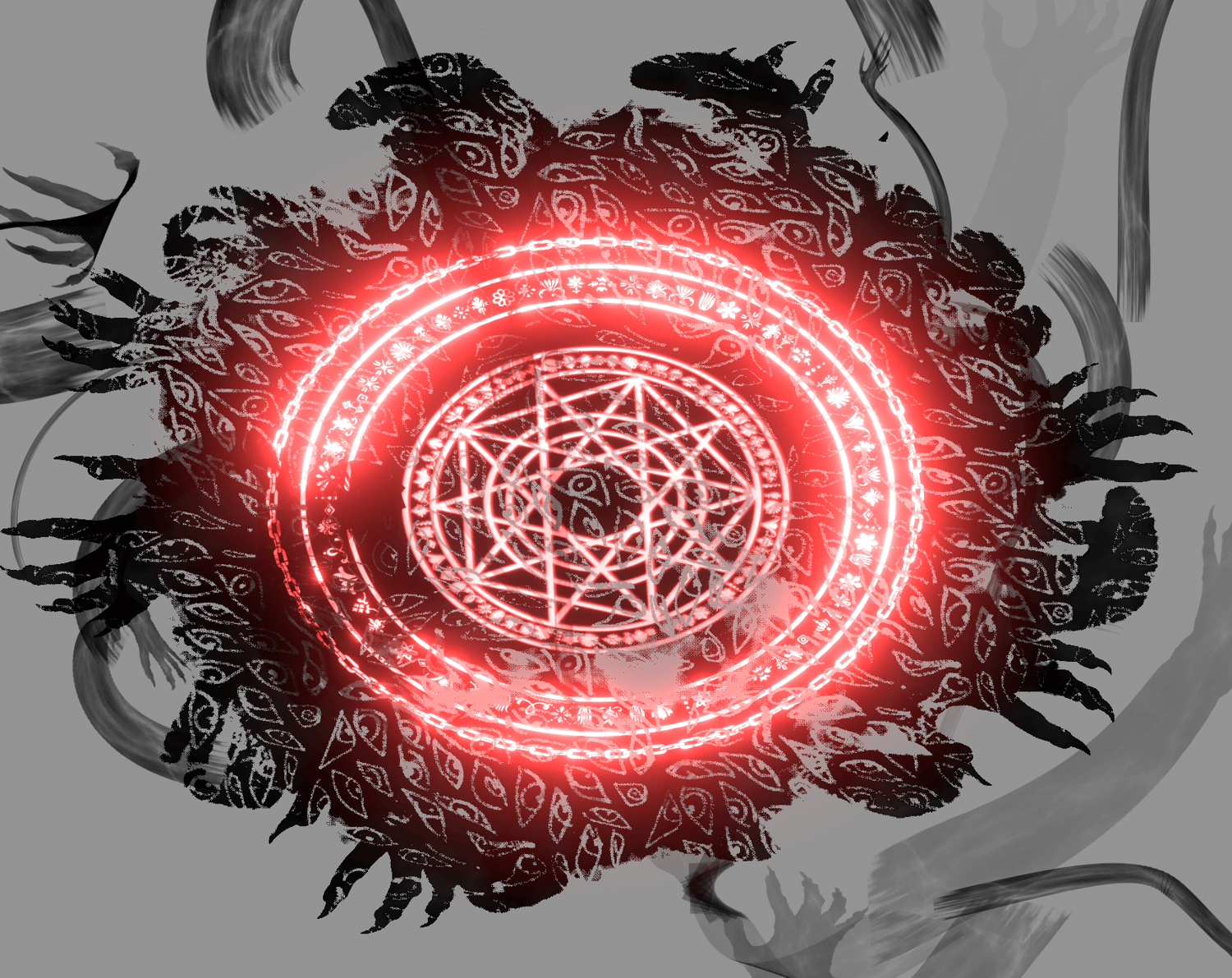
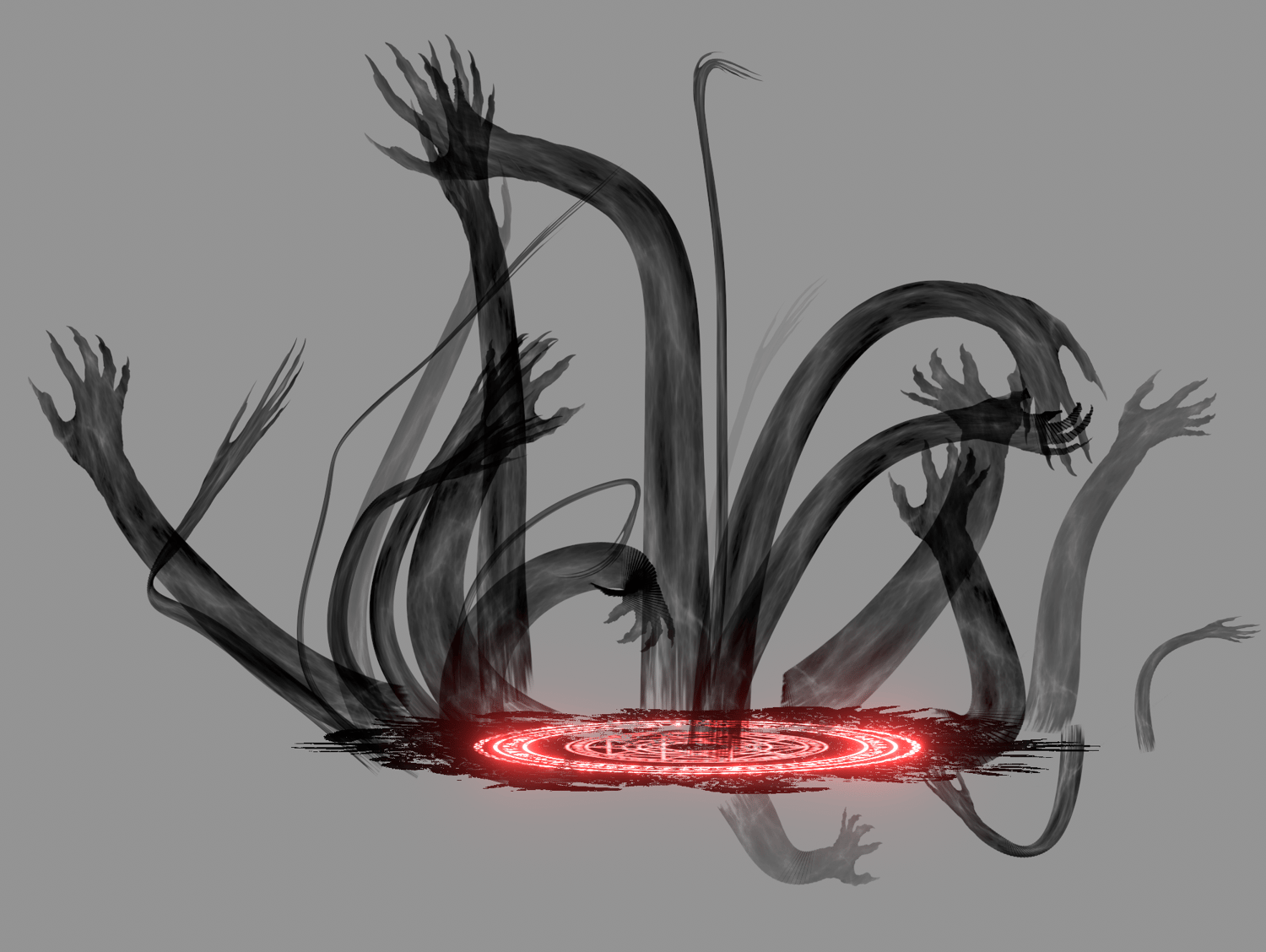
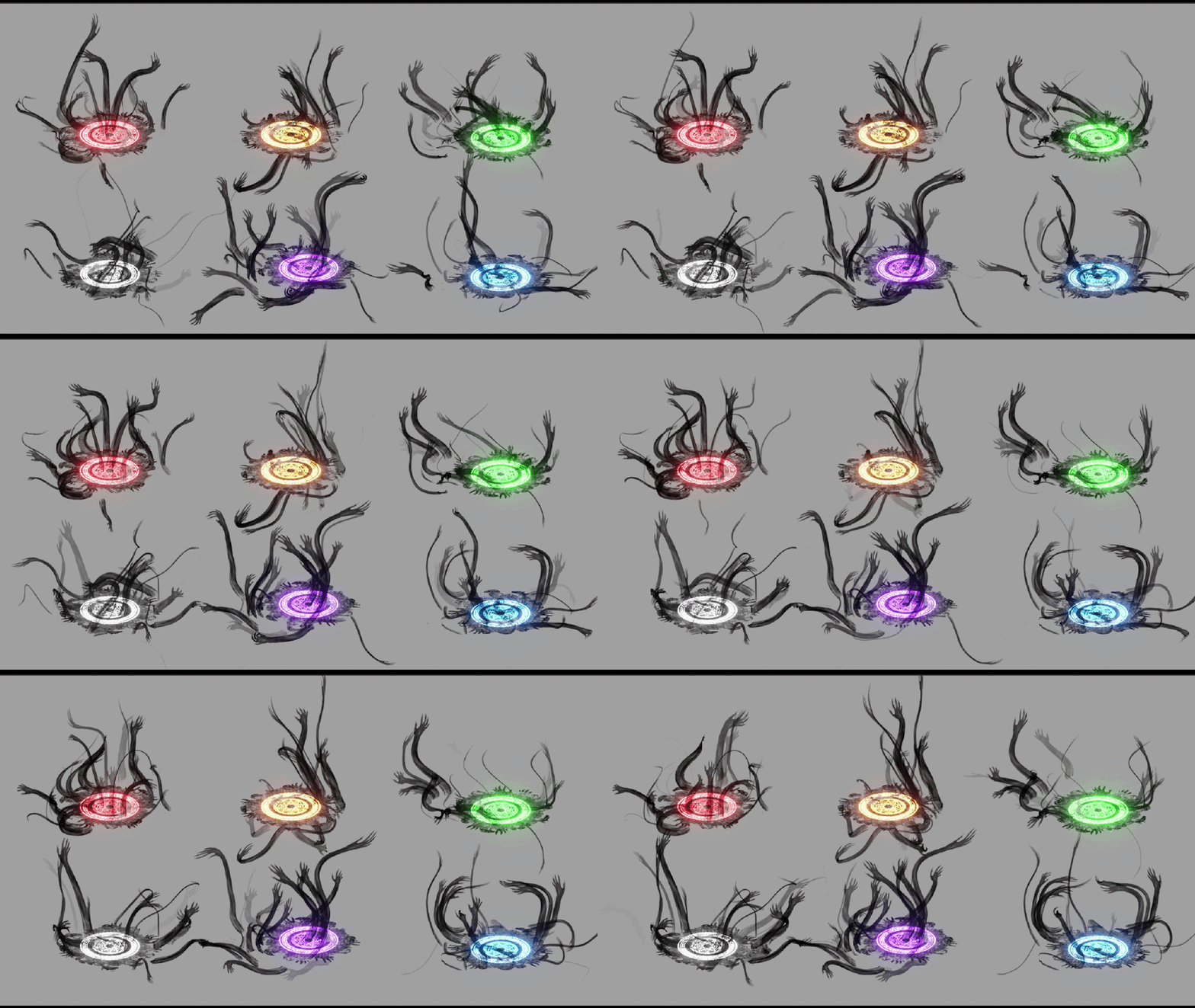
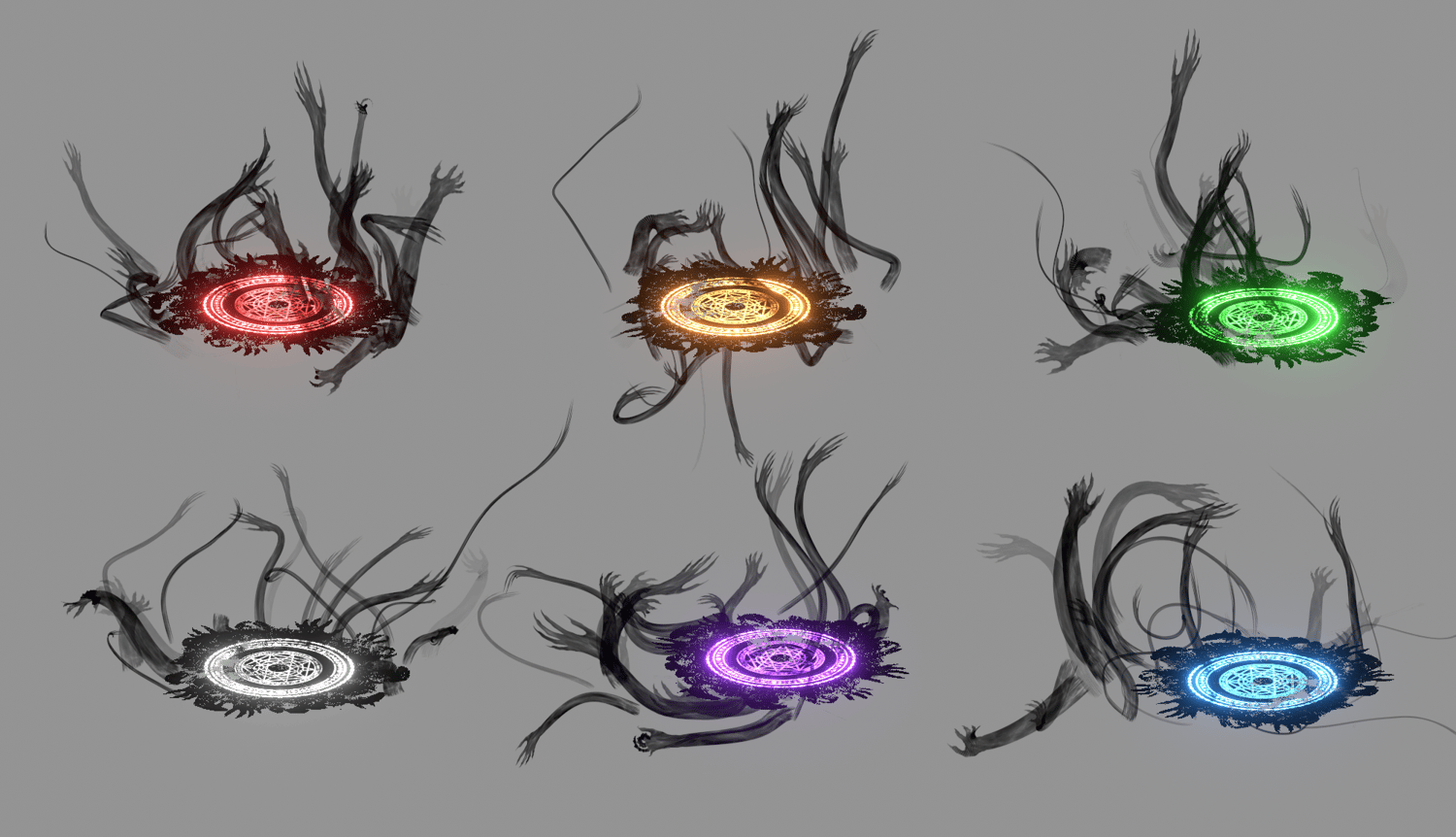
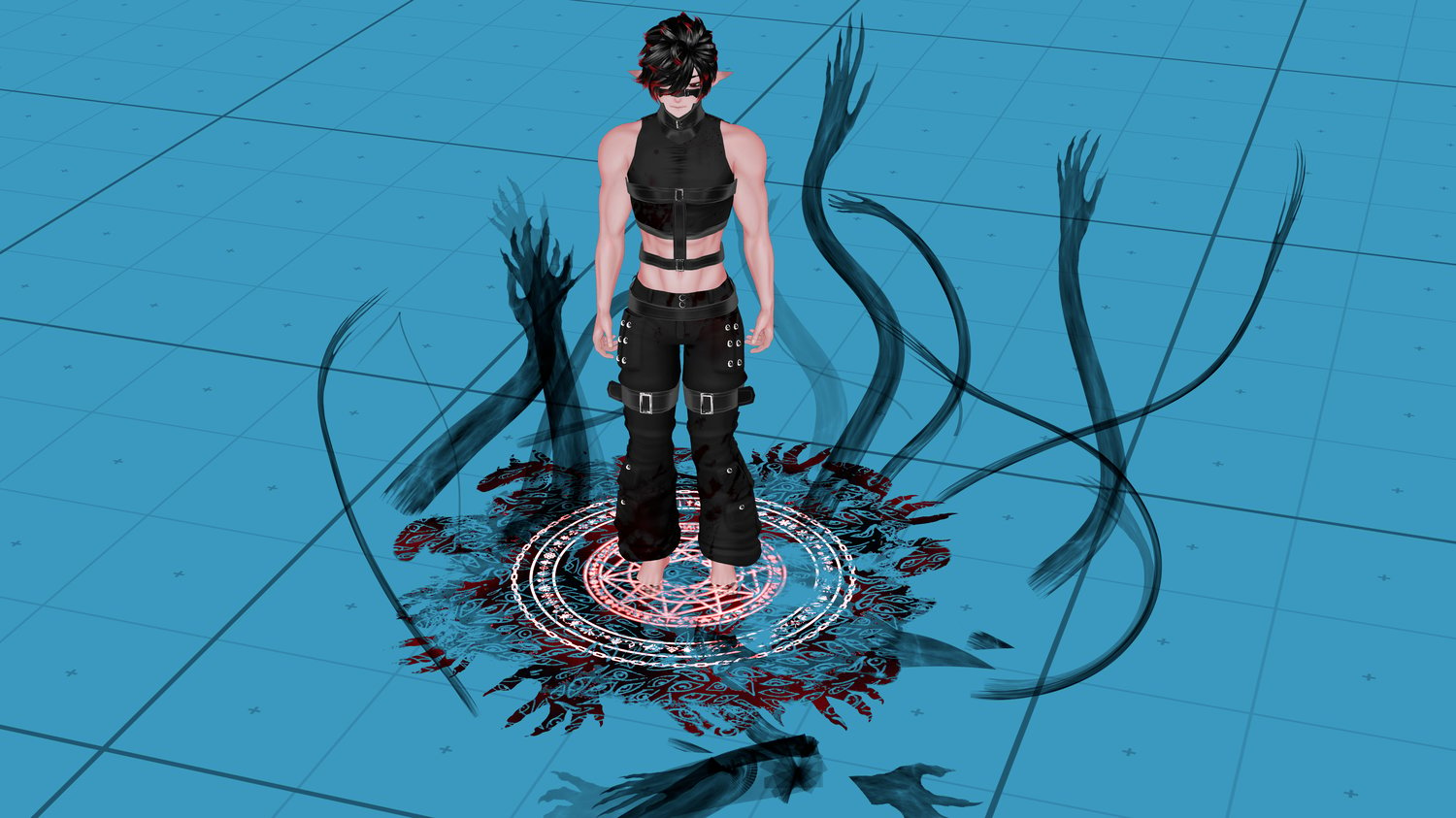
☸️🕯️ UNDERWORLD RISING 🕯️☸️ Particle pack ☸️ Halloween Particles
┈┈┈┈・⊱ ✦ ⊰・┈┈┈┈

 ʙᴇ ꜱᴏʙᴇʀ-ᴍɪɴᴅᴇᴅ; ʙᴇ ᴡᴀᴛᴄʜꜰᴜʟ.
ʏᴏᴜʀ ᴀᴅᴠᴇʀꜱᴀʀʏ ᴛʜᴇ ᴅᴇᴠɪʟ ᴘʀᴏᴡʟꜱ ᴀʀᴏᴜɴᴅ ʟɪᴋᴇ ᴀ ʀᴏᴀʀɪɴɢ ʟɪᴏɴ,
ꜱᴇᴇᴋɪɴɢ ꜱᴏᴍᴇᴏɴᴇ ᴛᴏ ᴅᴇᴠᴏᴜʀ.
┈┈┈┈・⊱ ✦ ⊰・┈┈┈┈
┈┈┈┈・⊱ ✦ ⊰・┈┈┈┈
· · ────── ꒰ঌ·✦ Ease of install: Beginner, but you'll as always need to do your own toggle
· · ────── ꒰ঌ·✦ Ease of Quest Conversion: Forget about the floor effect, but the particles themselves are already VRChat mobile particles, so you can probably fit it depending on how bloated your project is already. Change material ‘empty’ to vrchat/mobile/particles/multiply tho
· · ────── ꒰ঌ·✦ Needed software: Unity
👻 Add in unity:
- For hand, drag prefab into scene and position it where you want. Then, expand your avatar's armature and drag it from where it is on the hierarchy onto the closest wrist bone.
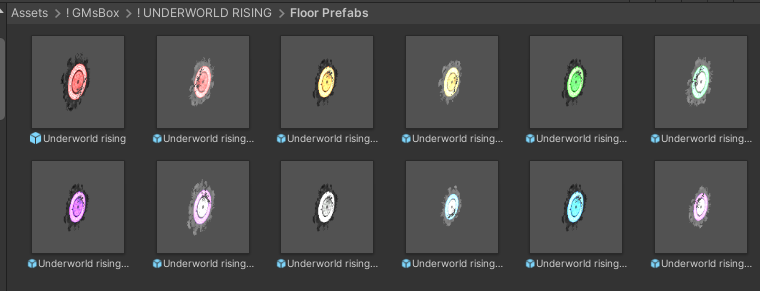
- For floor, drag prefab into scene and position it where you want. Then, drag onto your AVATAR, not the armature or a bone.
┈┈┈┈・⊱ ✦ ⊰・┈┈┈┈
┈┈┈┈・⊱ ✦ ⊰・┈┈┈┈

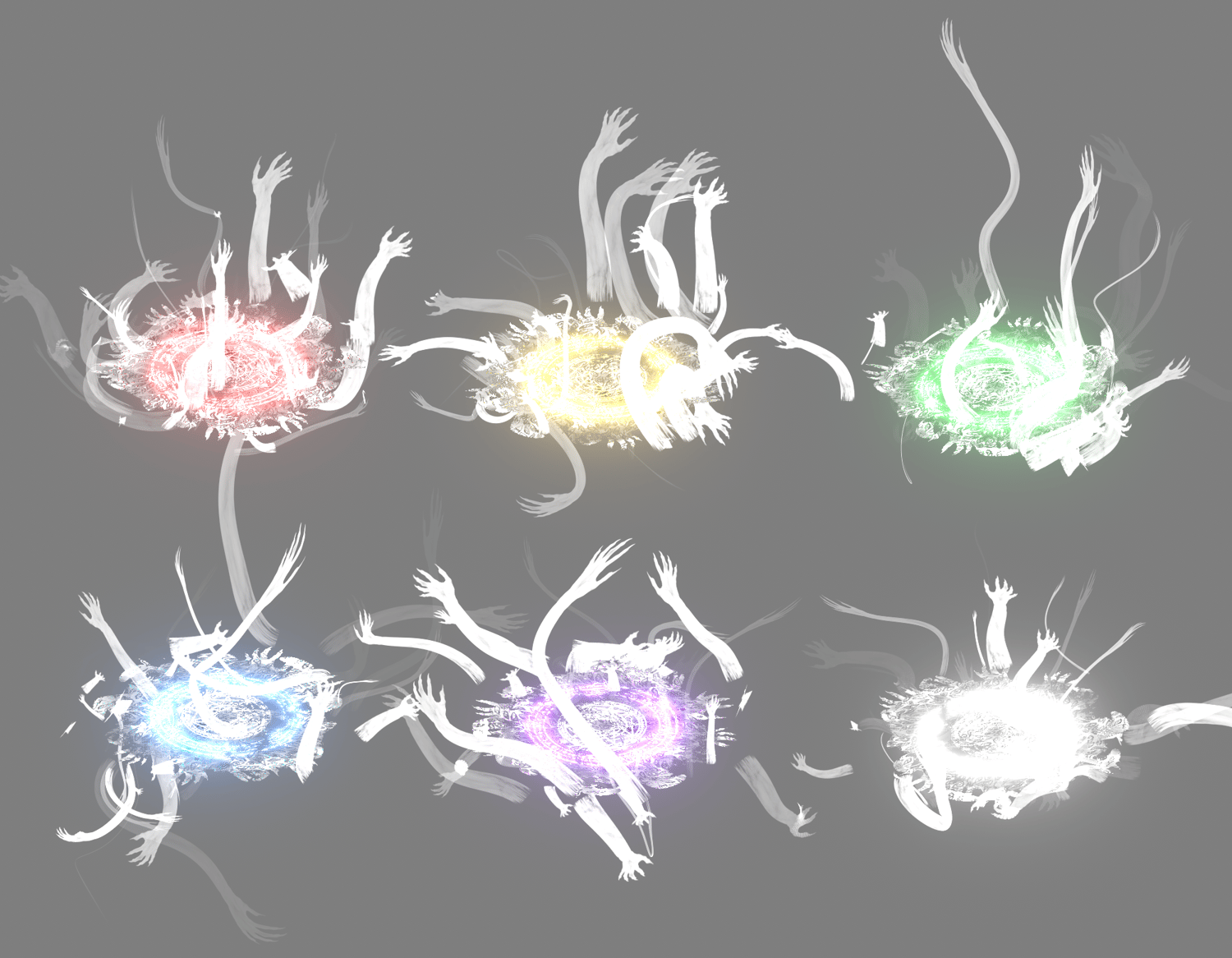
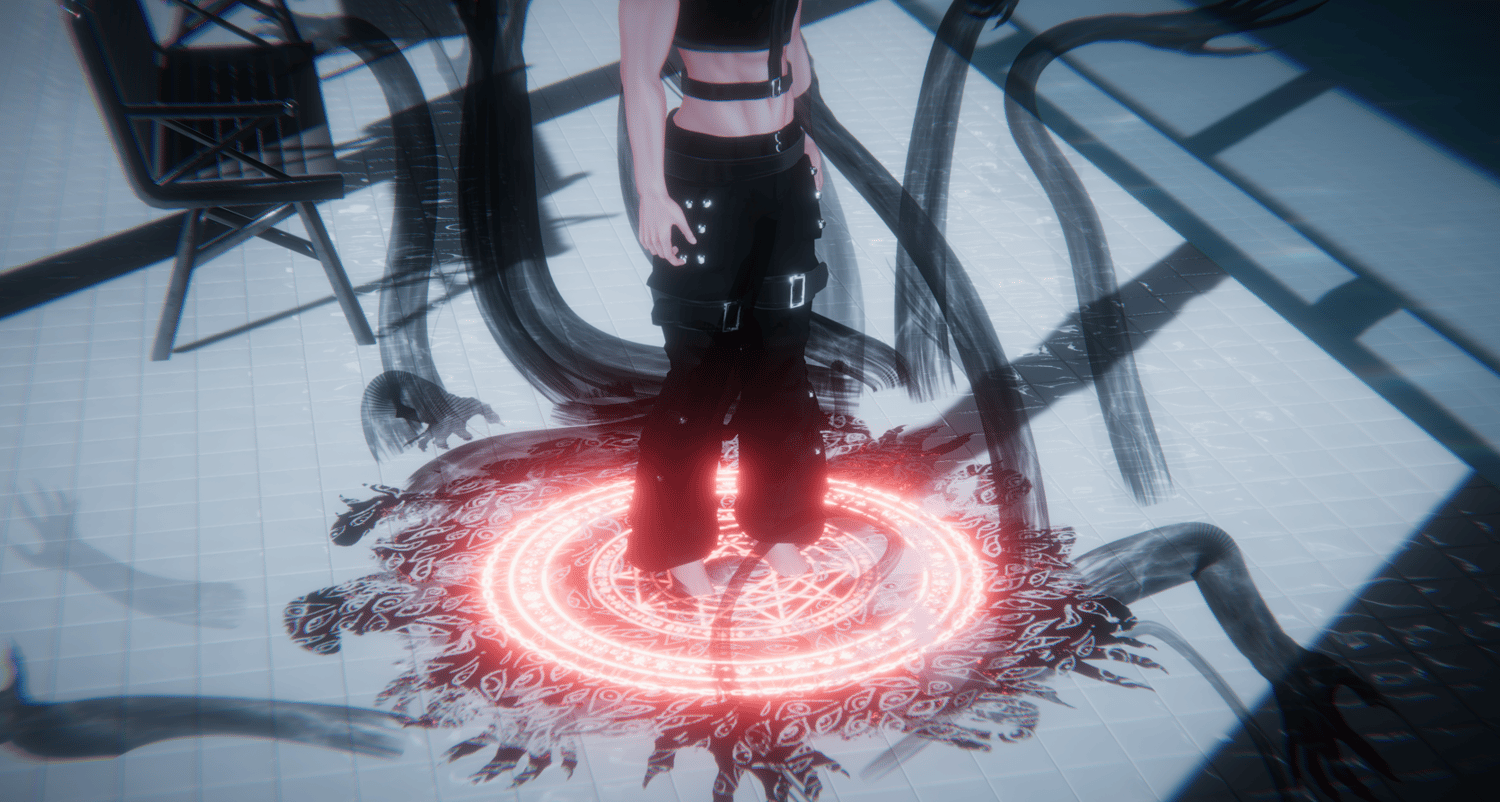
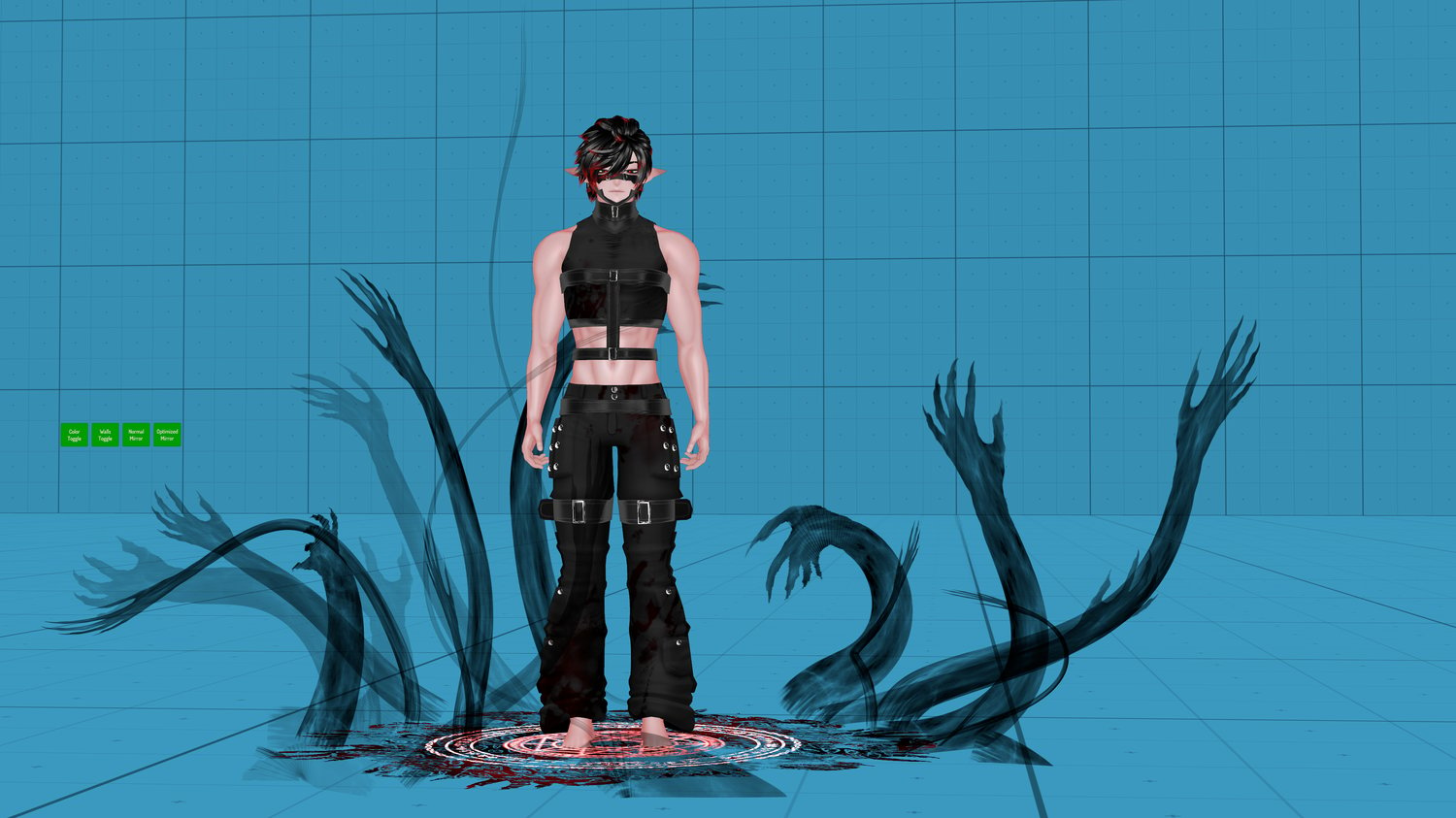
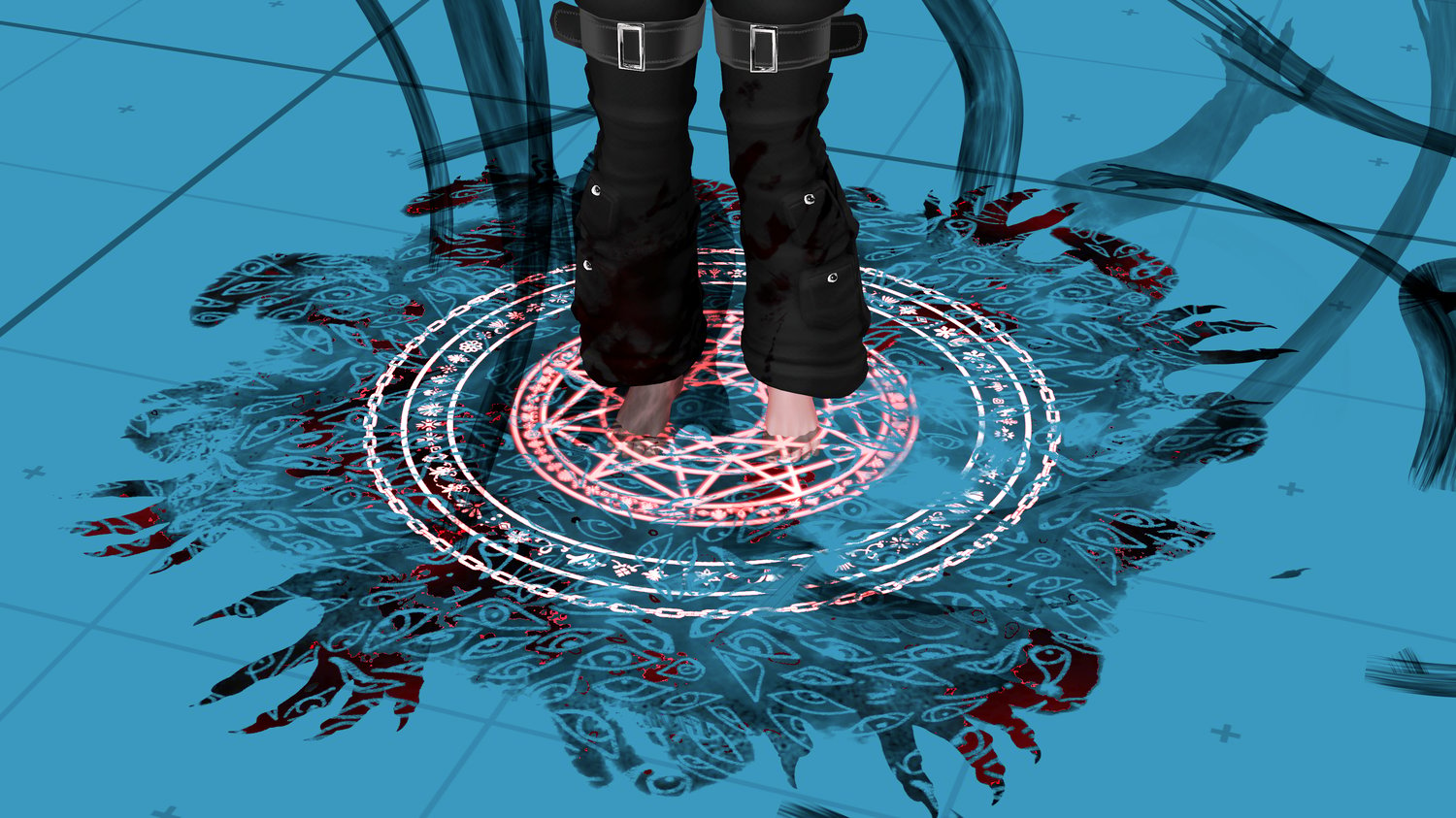
🎃 Unity package with floor effect and hand particle prefabs.
┈┈┈┈・⊱ ✦ ⊰・┈┈┈┈
┈┈┈┈・⊱ ✦ ⊰・┈┈┈┈

┈┈┈┈・⊱ ✦ ⊰・┈┈┈┈
┈┈┈┈・⊱ ✦ ⊰・┈┈┈┈

Floor:
2 particle systems
1 plane mesh
2 polygons
max particle 100
no mesh particle
3 material slot
1 animator component
Hands:
1 particle system
max particle 100
no mesh particle
1 material slot
┈┈┈┈・⊱ ✦ ⊰・┈┈┈┈
┈┈┈┈・⊱ ✦ ⊰・┈┈┈┈


┈┈┈┈・⊱ ✦ ⊰・┈┈┈┈