
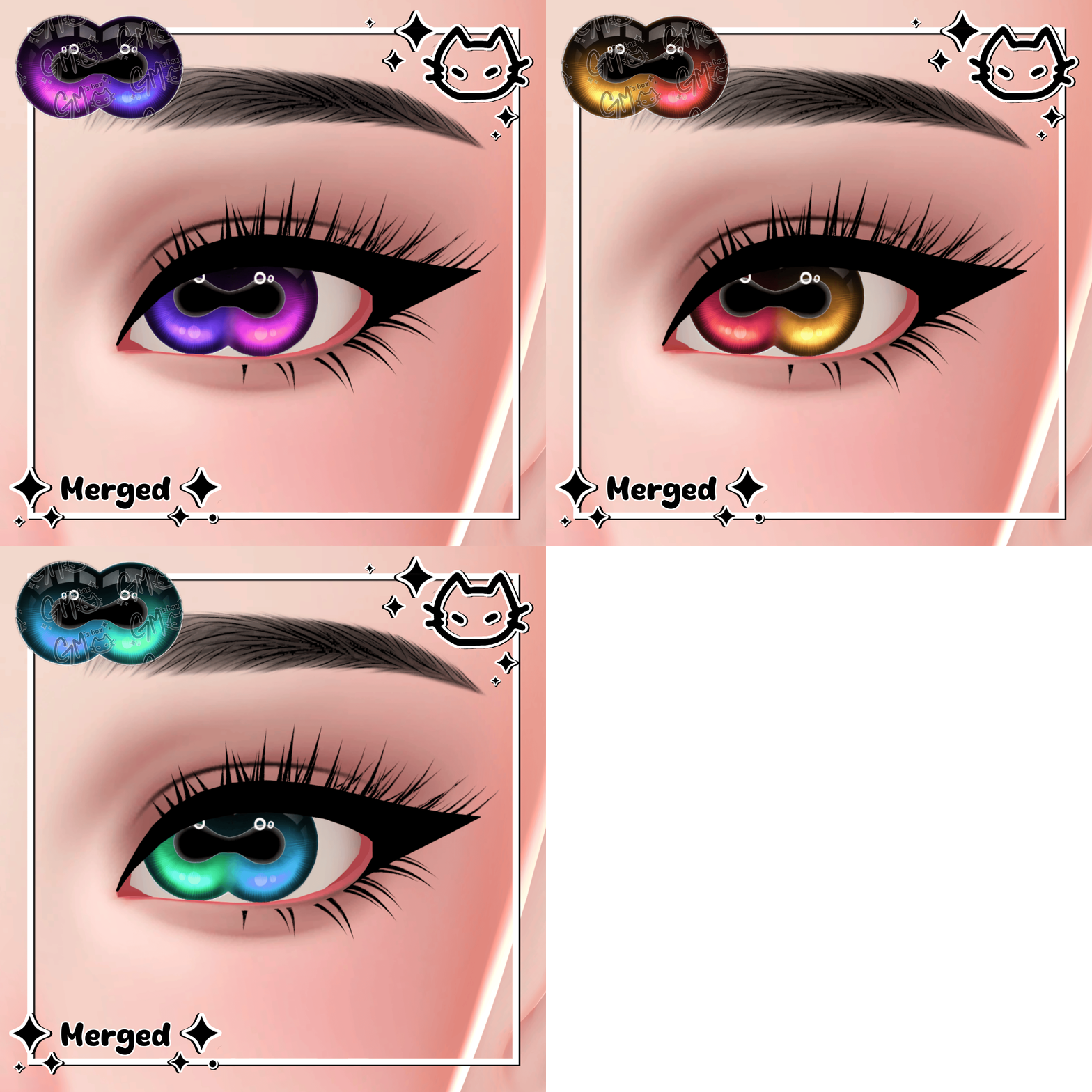
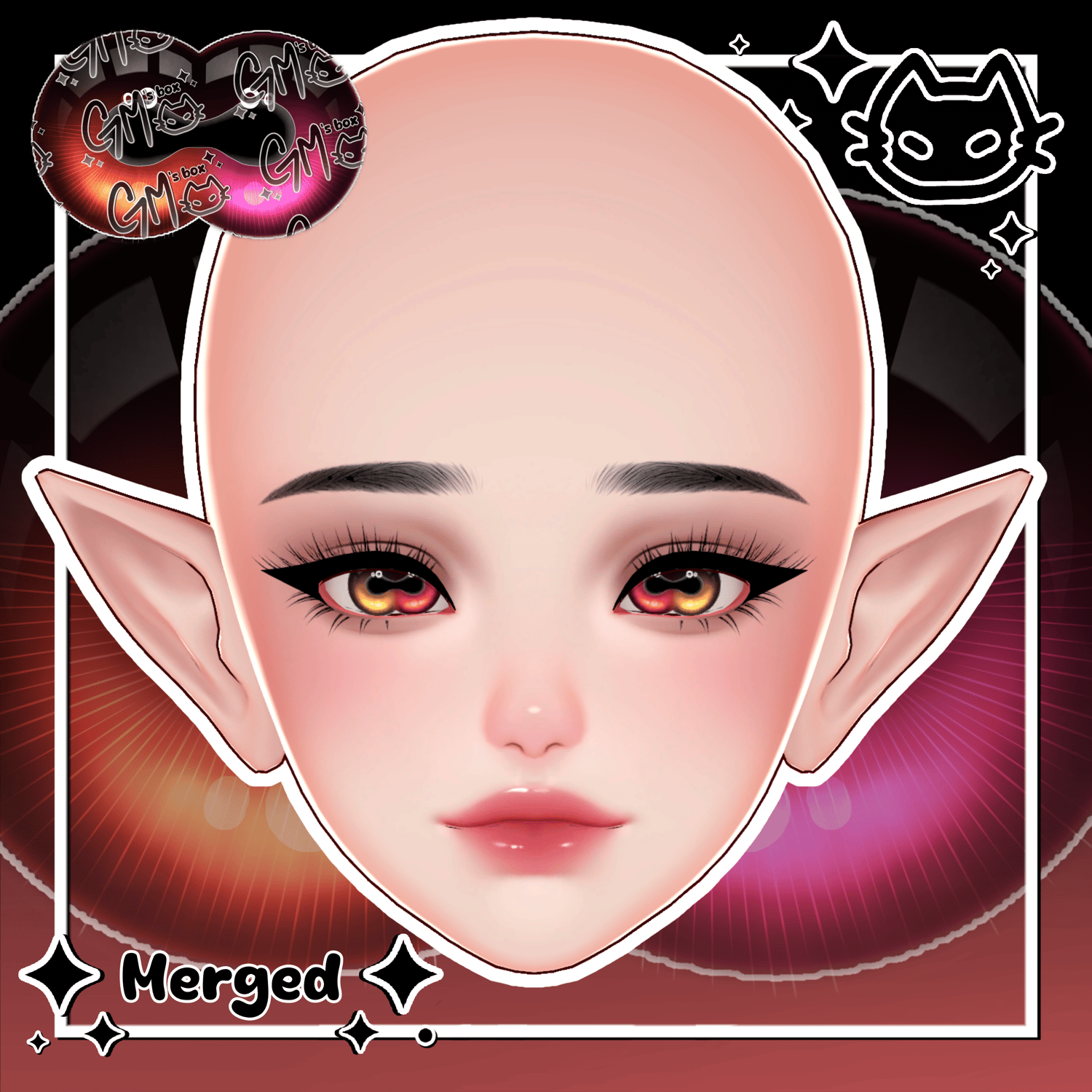
𓃵👁️ Merged Eye textures 👁️𓃵 Devil Iris 👁️ Cryptid Eye Textures 👁️ Starlight / Amelia / Midas / Icarus / Generic 👁️
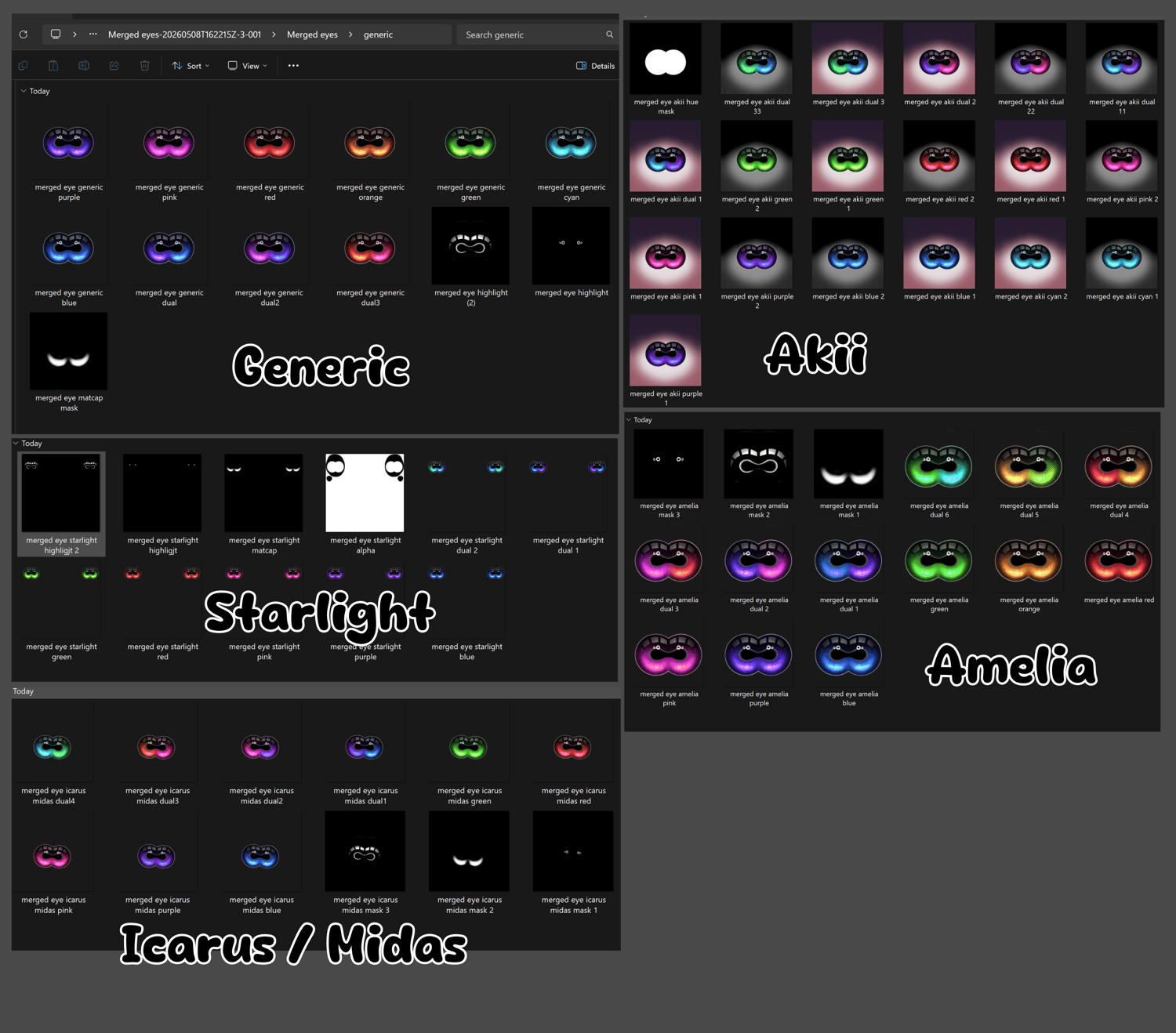
Comes with:
👁️ 57 eye textures [color, alphas, emissions, masks], look above. 2k or 4k resolution depending on the head. Generic ones are 4k high res!
👁️ Ratios to
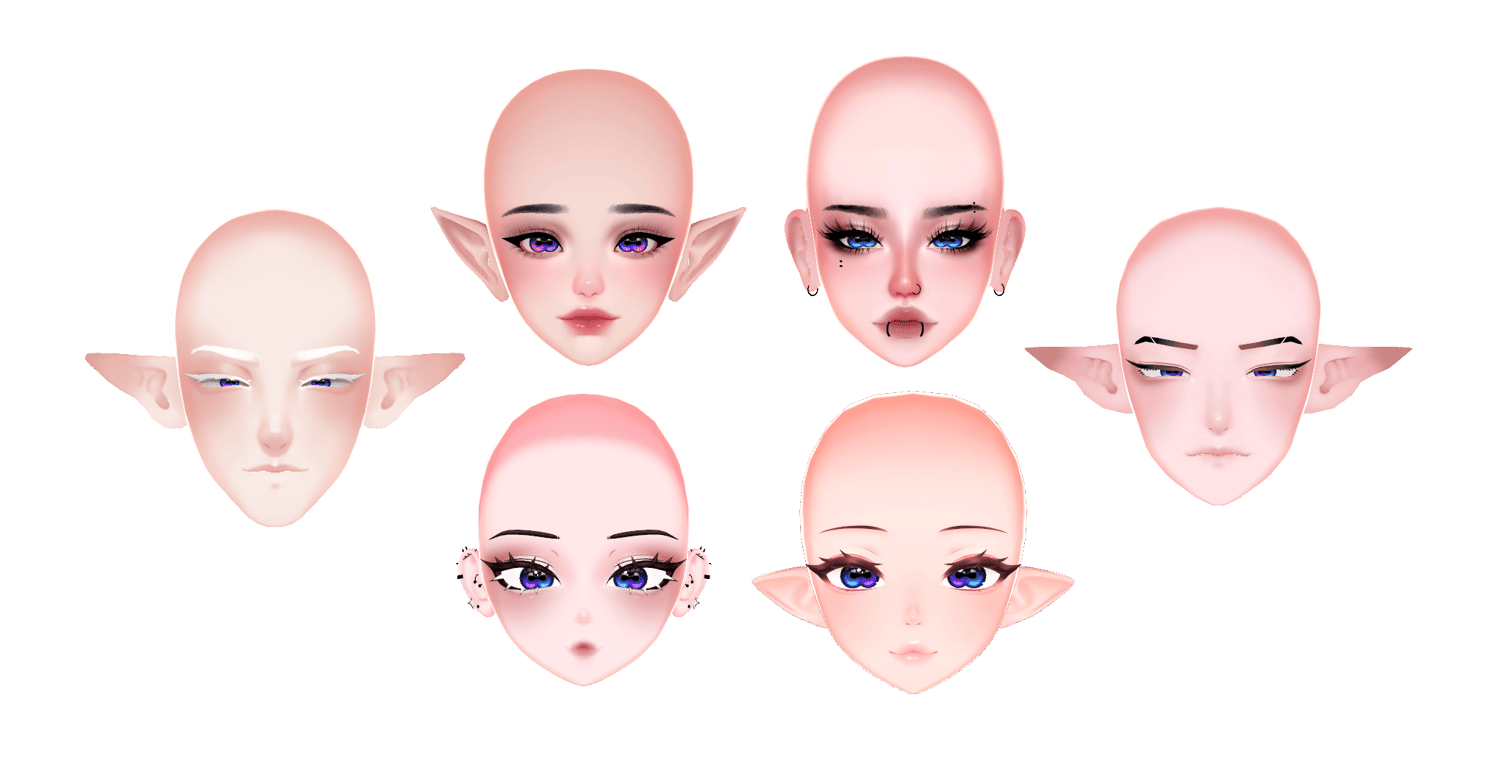
✦ GM's Male Head ✦ MIDAS ✦ [VRCFT] V1 ✦ Male Head ✦,
✦ GM's Male Head ✦ ICARUS ✦ [VRCFT] V1.1 ✦ Male Anime Head ★ ,
🧿 Can be UV'd to any head!
___
---
Want a different head compatibility than the ones already provided? Here's how:
" Anime " head type
Always save a backup before doing something major like editing a UV.
This changes the UV permanently.
👁️ HOW TO FIT A FLAT / ANIME EYE TO A TEXTURE 👁️
♡ - Choose the eye texture you like.
♡ - Add one of the transparent textures to the eye. Notice, it is a bit weird. Here is how to fix that.
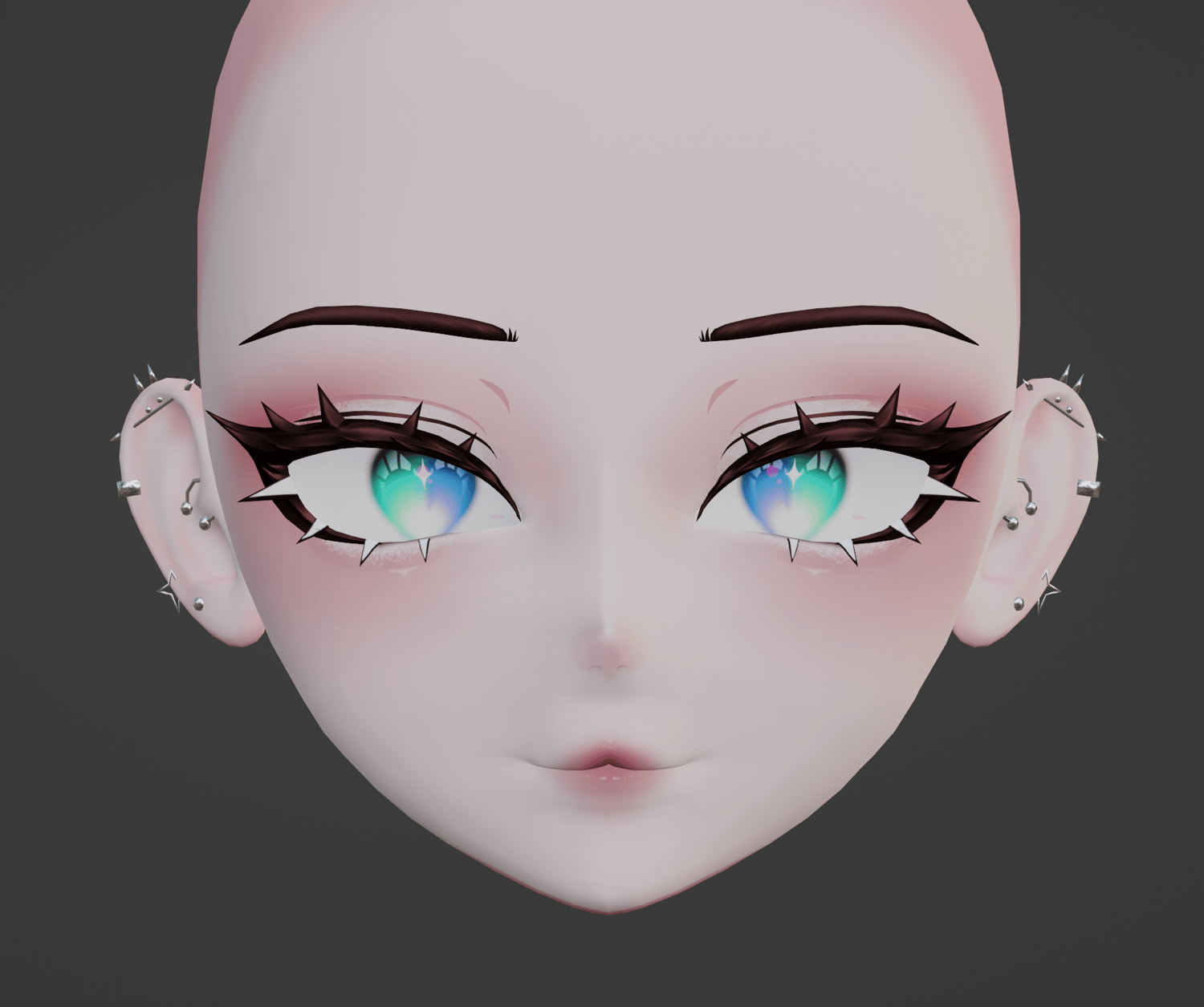
♡ - In edit mode, select your two eyes. Then, Go to your UV editing tab.
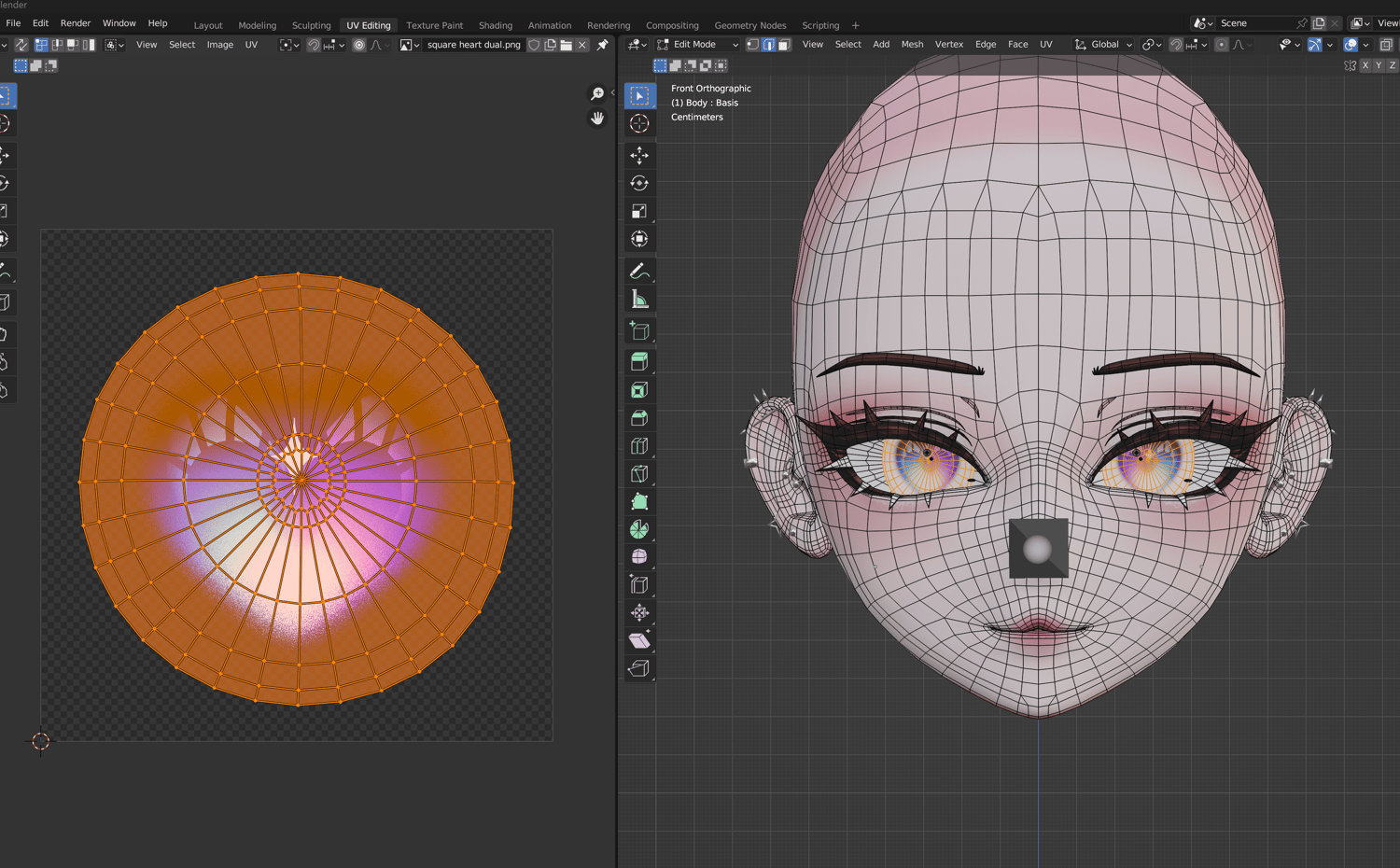
♡ - Select the uv from the left panel. If you don't see the eye texture displaying, you can go to where in this screenshot it says "hearteyexample.png", there is a gallery symbol with a dropdown right next to it where you can change the displayed texture.
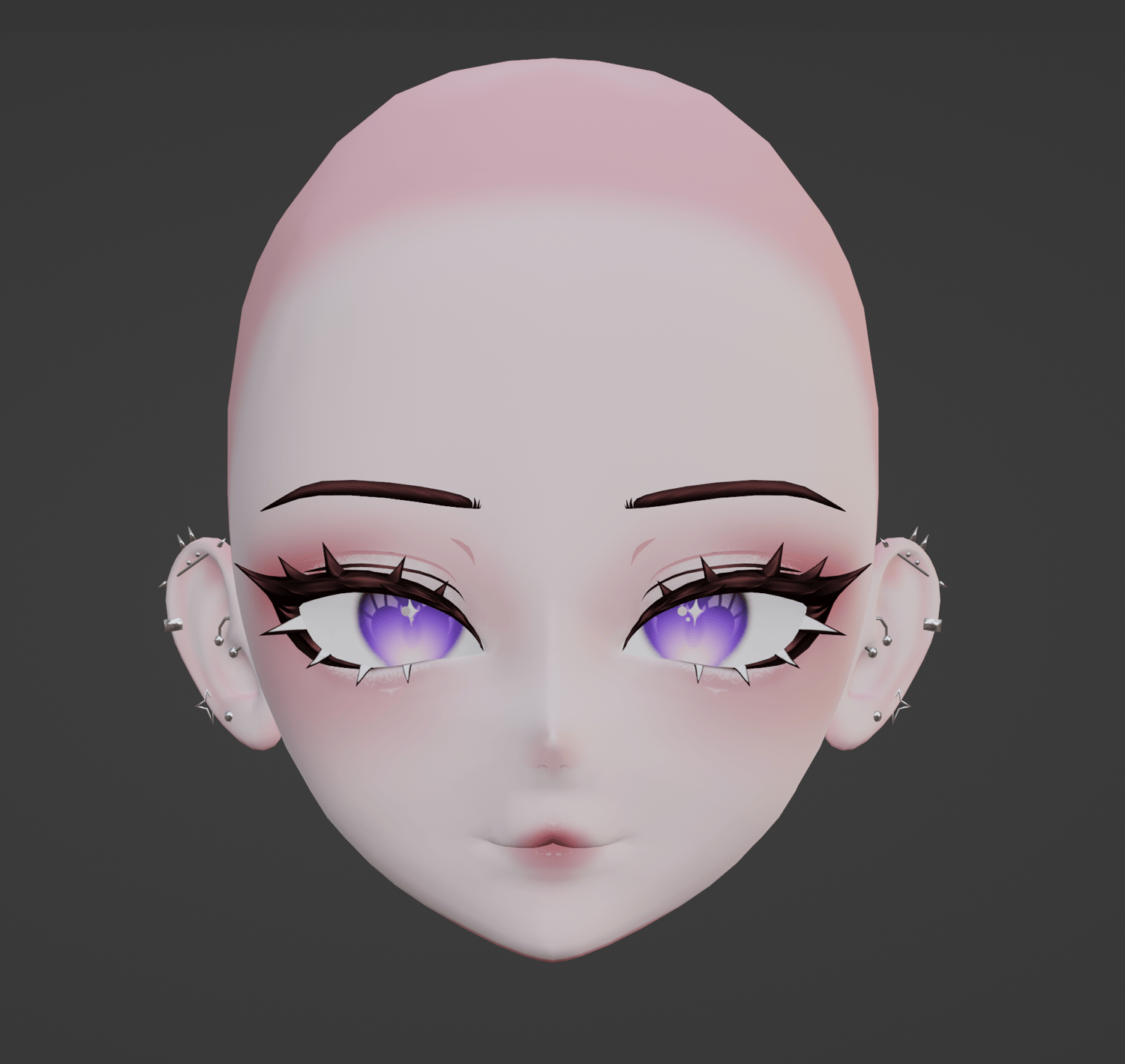
♡ - Using the tools provided, you can move, rotate, and scale that left circle until your eye appears as needed.
___
---
Want a different head compatibility than the ones already provided? Here's how:
" Round eyeball " head type
Always save a backup before doing something major like editing a UV.
This changes the UV permanently.
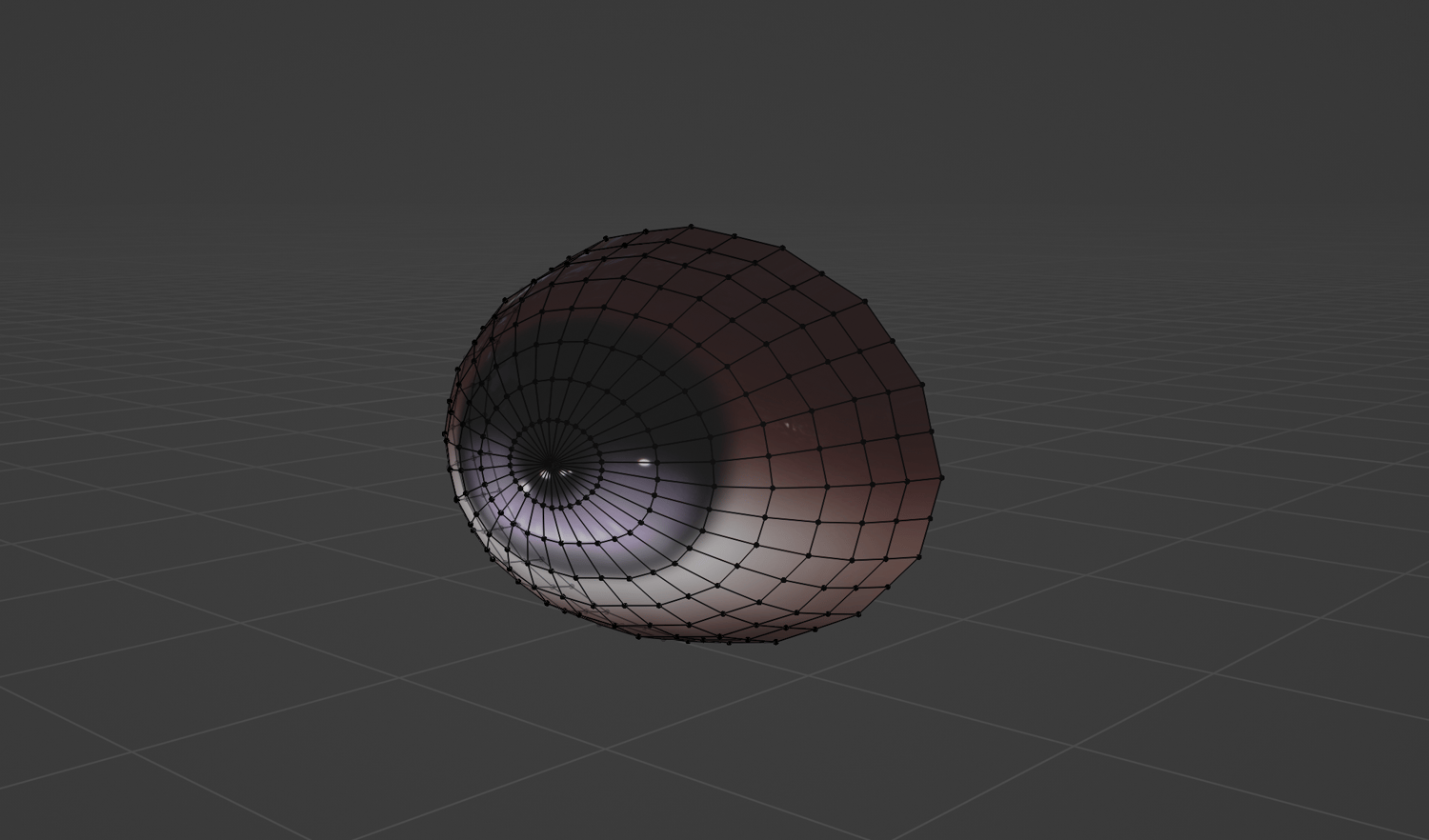
👁️ HOW TO FIT A ROUND EYE TO A TEXTURE 👁️
♡ - Choose the eye texture you like.
♡ - Add your created texture to the eye.
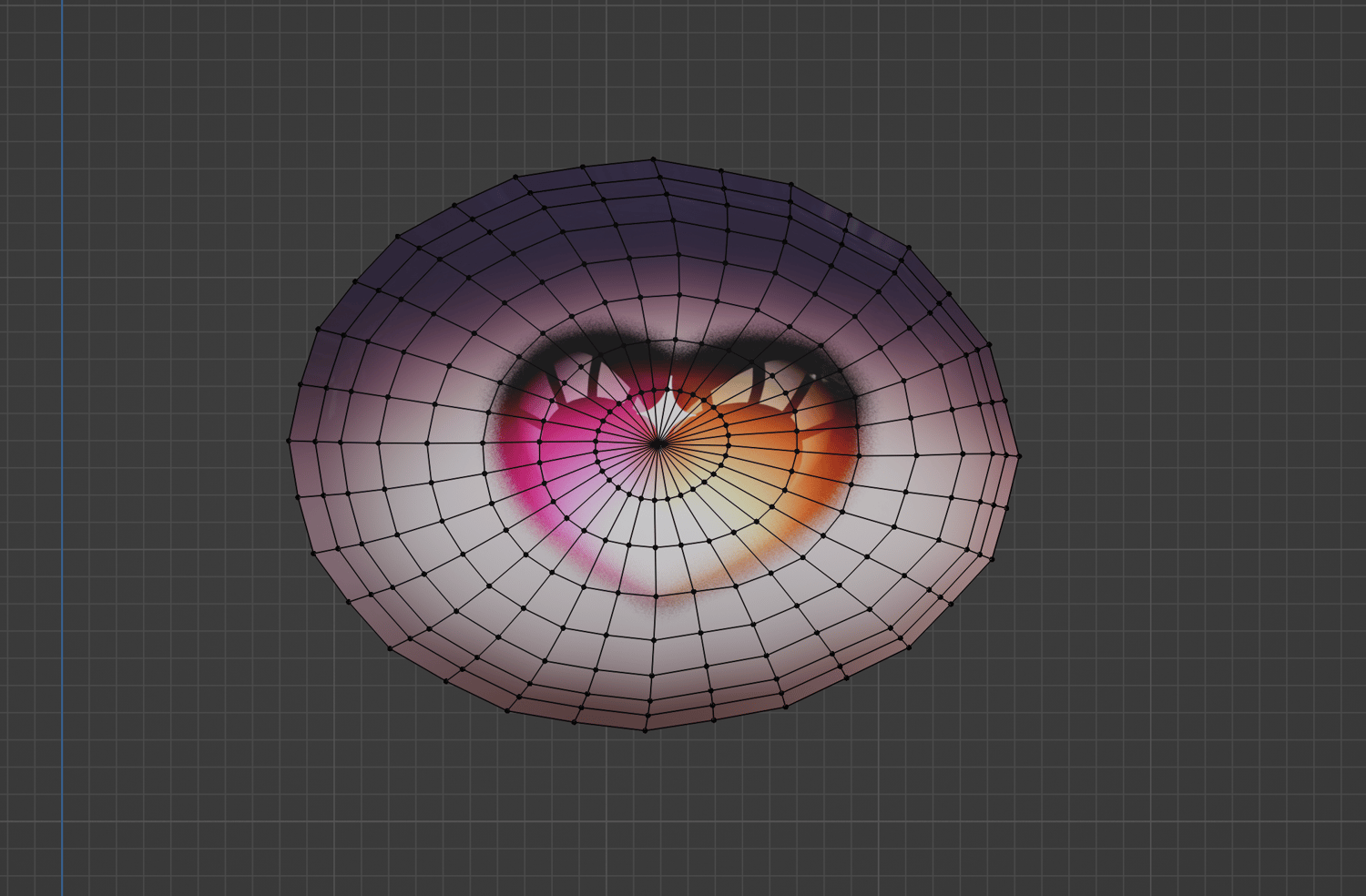
♡ - Notice, this creator's eye shape is a bit flat. In order to make your texture look right, you will have to modify the UV.
♡ - Select your eye mesh and go into UV editing tab. Notice, it has two sides: a left and a right. The left panel is where you can edit the UV.
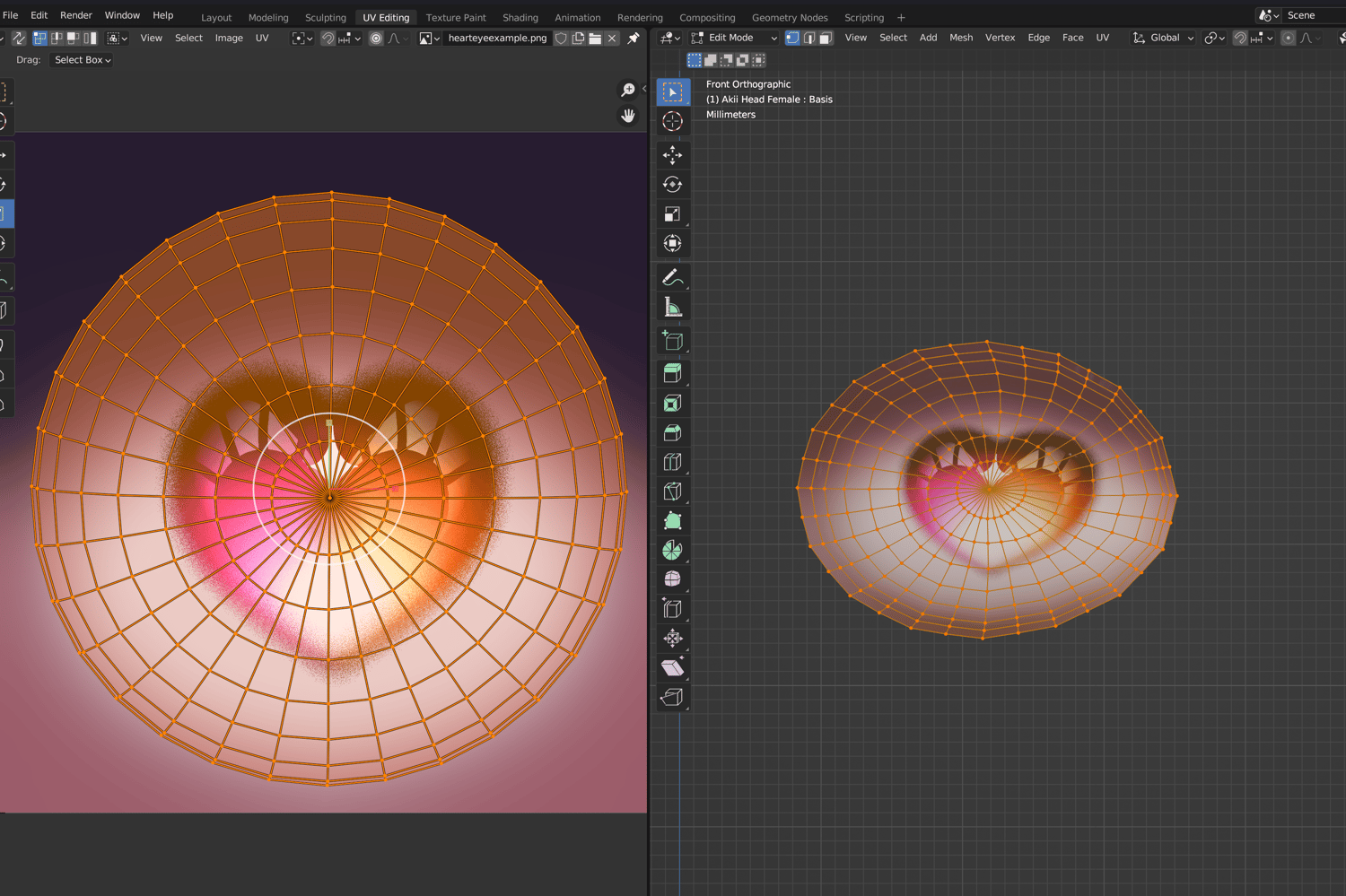
♡ - Select the uv from the left panel. If you don't see the eye texture displaying, you can go to where in this screenshot it says "hearteyexample.png", there is a gallery symbol with a dropdown where you can change the displayed texture.
♡ - Using the tools provided, you can move, rotate, and scale the left uv until your eye appears as needed.
___